Completed
- Intro
Class Central Classrooms beta
YouTube videos curated by Class Central.
Classroom Contents
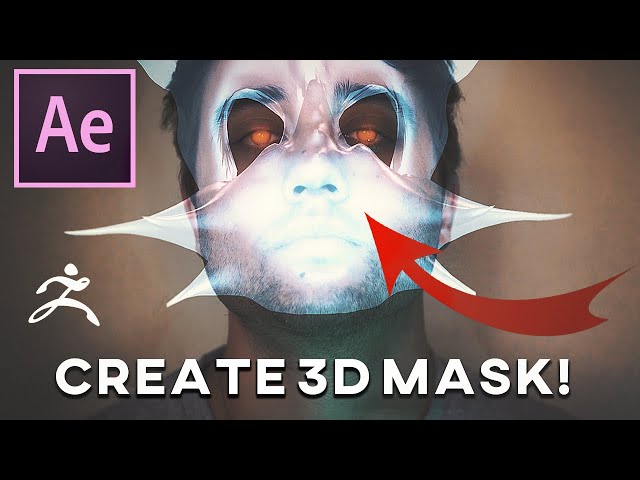
Create and Track 3D Face Masks and Helmets - Adobe After Effects + Zbrush
Automatically move to the next video in the Classroom when playback concludes
- 1 - Intro
- 2 - Explaining what we're doing and what is to come next
- 3 - Inspiration for this video
- 4 - DO THIS IF YOU WANT TO SKIP SCULPTING MASK
- 5 - Free Zbrush Mini Core Version
- 6 - Zbrush Basic Controls
- 7 - 1st Method, Extruding Face of a Model
- 8 - MY FAVORITE METHOD - For Creating 3D Mask
- 9 - Adding Sphere to start sculpting mask over face
- 10 - Basics of Zbrush sculpting 2 brushes we will use
- 11 - Brushes for adding cool details to mask scales, spikes, texture
- 12 - SKIP HERE TO START IN AFTER EFFECTS no sculpting
- 13 - Creating facial track the best way
- 14 - Adding in our mask
- 15 - Shaping the mask to our face
- 16 - Blending mask with face
- 17 - Adding a shadow to mask

