
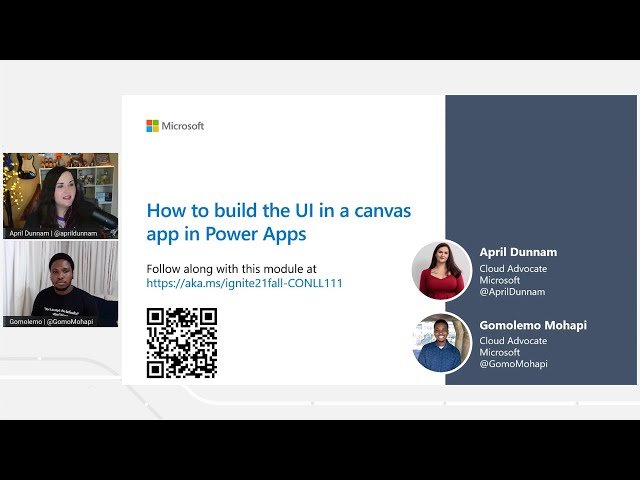
Building the UI in Power Apps

Building the UI in Power Apps

Microsoft Ignite via YouTube Direct link

Border Radius

7 of 15

7 of 15

Border Radius

Class Central Classrooms beta

YouTube videos curated by Class Central.

Classroom Contents

Building the UI in Power Apps

Automatically move to the next video in the Classroom when playback concludes

  1. 1 Intro
  2. 2 Welcome
  3. 3 Agenda
  4. 4 Themes
  5. 5 Brand Controls
  6. 6 Demo
  7. 7 Border Radius
  8. 8 PowerFX
  9. 9 Dropdown Properties
  10. 10 Date Picker
  11. 11 Image Control
  12. 12 Adding an Image
  13. 13 Knowledge Check
  14. 14 Personalization
  15. 15 Tablet Phone Form Factors

Never Stop Learning.

Get personalized course recommendations, track subjects and courses with reminders, and more.

Someone learning on their laptop while sitting on the floor.