Completed
1:06 Two-pass rendering and VACE 2.0 integration explained
Class Central Classrooms beta
YouTube videos curated by Class Central.
Classroom Contents
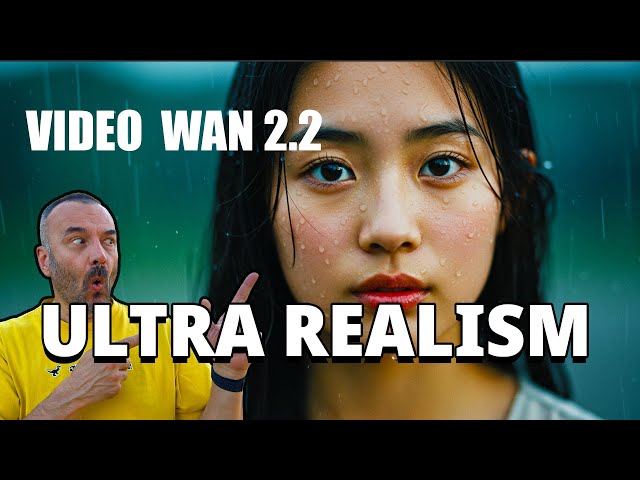
WAN 2.2 AI Video Generation Model - Setup and Tutorial with ComfyUI
Automatically move to the next video in the Classroom when playback concludes
- 1 0:00 Intro – Ultra-realistic video generated locally
- 2 0:08 Meet WAN 2.2 from Alibaba DAMO Academy
- 3 0:18 What makes WAN 2.2 different and powerful
- 4 0:32 All resources and links in the description
- 5 0:43 Why WAN 2.2 is a major upgrade from WAN 2.1
- 6 1:06 Two-pass rendering and VACE 2.0 integration explained
- 7 1:29 Realistic motion and camera control in WAN 2.2
- 8 2:13 Emotional and expressive motion support
- 9 2:31 Native 1080p output quality and upscaling options
- 10 2:48 Pose-latent transformer and character modeling
- 11 3:22 Multimodal inputs and LoRA fine-tuning
- 12 3:49 Open-source license and model accessibility
- 13 4:01 Render time example and system requirements
- 14 4:30 Sponsor: PolloAI – one platform for all AI tools
- 15 5:00 How to use chat-to-image and generate results
- 16 5:20 Create animations from your generated images
- 17 5:46 Use effects and lip sync tools with PolloAI
- 18 6:05 Free credits, no watermark with paid account
- 19 6:24 Running WAN 2.2 on lower VRAM GPUs
- 20 6:43 How to access workflows in ComfyUI
- 21 7:13 Updating ComfyUI properly
- 22 8:03 How to load and browse WAN 2.2 templates
- 23 8:30 Testing image-to-video generation
- 24 8:46 Loss of detail and prompt tuning considerations
- 25 9:32 Better animation quality with anime-style content
- 26 9:47 Workflow structure and high/low noise samplers
- 27 10:22 Output visualization and curiosity testing
- 28 11:02 Text-to-video generation with default settings
- 29 11:16 High VRAM requirements for rendering
- 30 11:30 Using quantized model variants Q2–Q8
- 31 12:10 How to match models to your GPU
- 32 12:36 Low noise model and VIA 2.1 compatibility
- 33 13:02 Render time comparison on RTX 3090 setup
- 34 13:49 Share your results and feedback in comments
- 35 14:15 Outro – Like, subscribe, and share

