
Completed
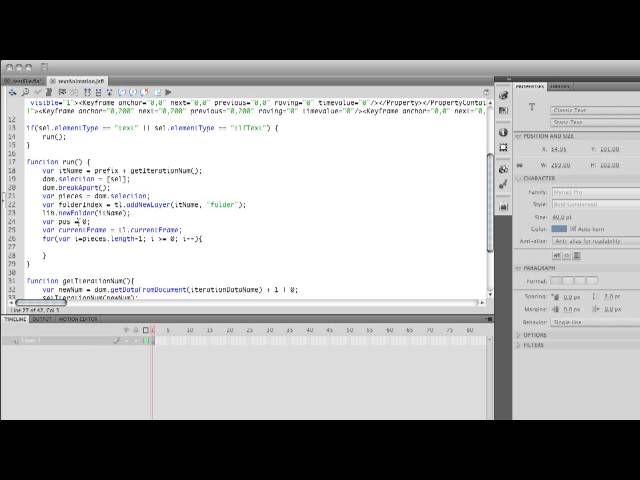
Create New Layer Folder
Class Central Classrooms beta
YouTube videos curated by Class Central.
Classroom Contents
Creating Advanced Motion Presets in Flash with JSFL
Automatically move to the next video in the Classroom when playback concludes
- 1 Introduction
- 2 Downloading the Help Documents
- 3 Saving the Help Documents
- 4 History Panel
- 5 Create Flash Script
- 6 Create Motion Tween
- 7 Apply Motion Preset
- 8 Set Up Variables
- 9 Create Time Line
- 10 Get Current Frame
- 11 Get Motion Object
- 12 Save Motion Object
- 13 Create Script File
- 14 Save Script
- 15 Add Variables
- 16 Text Tool
- 17 Classic Text
- 18 Element
- 19 Element Type
- 20 If Statement
- 21 Breaking Text Apart
- 22 Creating Variables
- 23 Adding Persistent Data
- 24 Updating the Preset
- 25 Run Front Function
- 26 Set Selection Value
- 27 Break Apart Function
- 28 Break Apart Letters
- 29 Create New Layer Folder
- 30 Create Library Folder
- 31 Create Position Variable
- 32 Create For Loop
- 33 Clear Selection
- 34 Create Element Name
- 35 Convert to Symbol
- 36 Clip Cut
- 37 Move to Folder
- 38 Paste Layer
- 39 Accessing Layers
- 40 Moving Layers
- 41 Adding Frames
- 42 Adding Keyframes
- 43 Adding StartFrame
- 44 Adding Motion Object
- 45 Setting Start Frame and Total Duration
- 46 Setting Timescale
- 47 Creating Animations
- 48 Creating StartFrame
- 49 JavaScript Error
- 50 Motion Object XML
- 51 Motion Object Duration
- 52 Motion Object Delay
- 53 Additional Power
- 54 Finding the Script
- 55 Running the Script
- 56 Advanced Dialog Example

