Completed
- Introduction and Welcome
Class Central Classrooms beta
YouTube videos curated by Class Central.
Classroom Contents
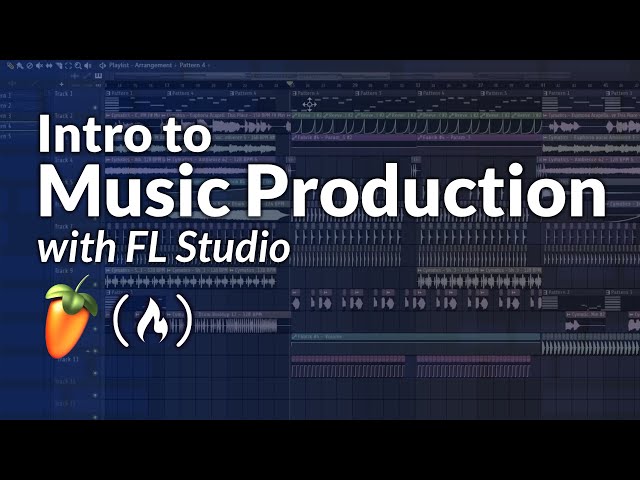
Music Production 101 - Master Sound Design, Mixing, and Mastering in FL Studio
Automatically move to the next video in the Classroom when playback concludes
- 1 - Introduction and Welcome
- 2 - Course Overview: Theory vs. Application
- 3 - Tools and Setup FL Studio, Fabric, Samples
- 4 - Sound Design Basics with Fabric
- 5 - Understanding Pre-processing vs. Post-processing
- 6 - Parallel Processing and Filters
- 7 - Alternative Tools: Using Vital
- 8 - Working with Samples as Building Blocks
- 9 - Building a Basic House Beat
- 10 - Mixing Theory: The Box Concept
- 11 - Practical Mixing Techniques in FL Studio
- 12 - Melody Creation and Music Theory
- 13 - Creating Motives and Variations
- 14 - Melodic Symmetry and Flow
- 15 - Music Distribution and Publishing Rights
- 16 - 0:52:53 Application: Making a Bass House Track from Scratch - Breakdown: Baseline and Vocal Setup
- 17 - Breakdown: Adding Effects and Ambience
- 18 - Breakdown: Drum Progression
- 19 – Filling empty spaces using "Call and Response" synth melodies.
- 20 – Creating vocal ambience through pitch-shifting and reverse sampling.
- 21 – Designing the Main Drop: Combining drums and aggressive baselines.
- 22 – Advanced Bass Sequencing: Rhythm, variations, and groove.
- 23 – Using Automation: Adding reverb and pitch shifts for dynamic transitions.
- 24 – Buildup Techniques: Creating tension with filters and snare rolls.
- 25 – Song Arrangement: Copying sections and creating "Fake Drops" for variation.
- 26 – Final Mixdown: Leveling, EQ filtering, and stereo placement.
- 27 – Sidechaining: Using "ducking" effects to keep the kick and bass from clashing.
- 28 – Sub-bass Management: Separating low-end frequencies for club systems.
- 29 – Mastering: Utilizing limiters to achieve professional loudness without clipping.
- 30 – Export Settings: High-quality MP3 rendering for distribution.
- 31 – Song Distribution: Step-by-step guide to uploading through RouteNote.
- 32 – Strategic Release Planning: Choosing dates and managing store territories.
- 33 – Collecting Royalties: Using Monetunes to claim publishing and intellectual property rights.
- 34 – Final Encouragement and Closing Remarks.

