Completed
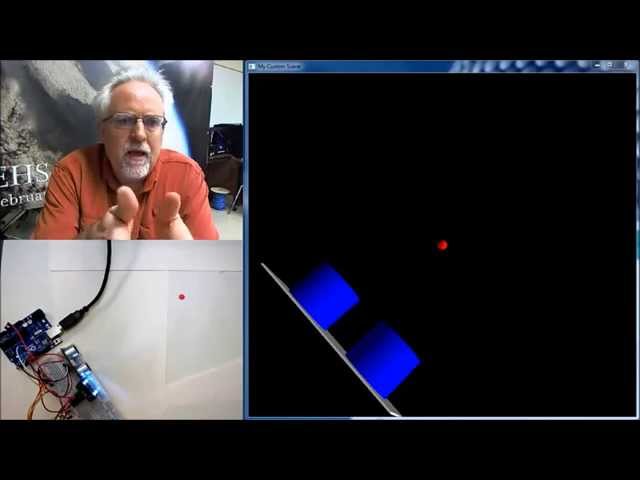
Arduino with Python LESSON 15: Wireless Communication with Xbee Radios
Class Central Classrooms beta
YouTube videos curated by Class Central.
Classroom Contents
Using Arduino with Python
Automatically move to the next video in the Classroom when playback concludes
- 1 Arduino with Python LESSON 1: Introduction to using Python with Arduino
- 2 Arduino and Python LESSON 2: Installing the Software and Libraries
- 3 Arduino with Python LESSON 3: Create a Simple Virtual World
- 4 Arduino with Python LESSON 4: Measuring Color and Position for a Virtual World
- 5 Arduino with Python LESSON 5: vPython Library to Create a Virtual World
- 6 Arduino With Python LESSON 6: Installing PIP for Windows
- 7 Arduino With Python LESSON 7: Installing Maptplotlib for Graphing and Charting Data
- 8 Arduino with Python LESSON 8: Simple Introduction to Matplotlib
- 9 Arduino with Python LESSON 9: Measuring Pressure and Temperature with the BMP180 Sensor
- 10 Arduino with Python LESSON 10: Installing drawnow to Enable Live Graphing in Python with Matplotlib
- 11 Arduino with Python LESSON 11: Graphing and Plotting Live Data from Arduino with Matplotlib
- 12 Arduino with Python LESSON 12: Calculating Height from Changes in Pressure
- 13 Arduino with Python LESSON 13: Calculating Height from BMP180 Pressure Sensor
- 14 Arduino with Python LESSON 14: Introduction to Xbee Radios
- 15 Arduino with Python LESSON 15: Wireless Communication with Xbee Radios
- 16 Arduino with Python LESSON 16: Simple Client Server Model Over Ethernet
- 17 Arduino with Python LESSON 17: Transferring Data over Ethernet UDP

