Completed
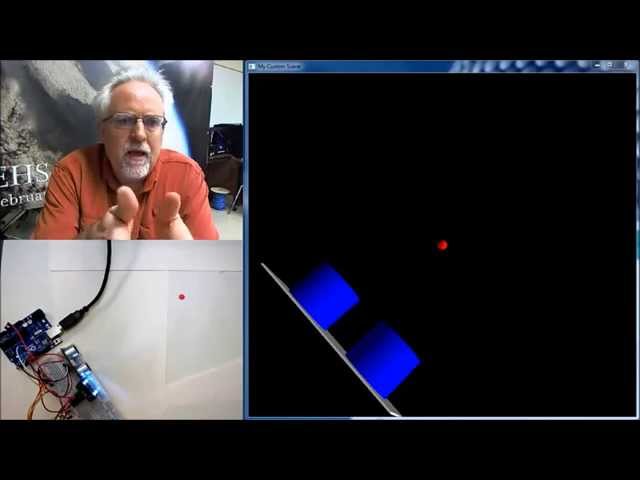
Arduino with Python LESSON 5: vPython Library to Create a Virtual World
Class Central Classrooms beta
YouTube videos curated by Class Central.
Classroom Contents
Using Arduino with Python
Automatically move to the next video in the Classroom when playback concludes
- 1 Arduino with Python LESSON 1: Introduction to using Python with Arduino
- 2 Arduino and Python LESSON 2: Installing the Software and Libraries
- 3 Arduino with Python LESSON 3: Create a Simple Virtual World
- 4 Arduino with Python LESSON 4: Measuring Color and Position for a Virtual World
- 5 Arduino with Python LESSON 5: vPython Library to Create a Virtual World
- 6 Arduino With Python LESSON 6: Installing PIP for Windows
- 7 Arduino With Python LESSON 7: Installing Maptplotlib for Graphing and Charting Data
- 8 Arduino with Python LESSON 8: Simple Introduction to Matplotlib
- 9 Arduino with Python LESSON 9: Measuring Pressure and Temperature with the BMP180 Sensor
- 10 Arduino with Python LESSON 10: Installing drawnow to Enable Live Graphing in Python with Matplotlib
- 11 Arduino with Python LESSON 11: Graphing and Plotting Live Data from Arduino with Matplotlib
- 12 Arduino with Python LESSON 12: Calculating Height from Changes in Pressure
- 13 Arduino with Python LESSON 13: Calculating Height from BMP180 Pressure Sensor
- 14 Arduino with Python LESSON 14: Introduction to Xbee Radios
- 15 Arduino with Python LESSON 15: Wireless Communication with Xbee Radios
- 16 Arduino with Python LESSON 16: Simple Client Server Model Over Ethernet
- 17 Arduino with Python LESSON 17: Transferring Data over Ethernet UDP

