Completed
01:36:28 Using Image Augmentations and Jitter
Class Central Classrooms beta
YouTube videos curated by Class Central.
Classroom Contents
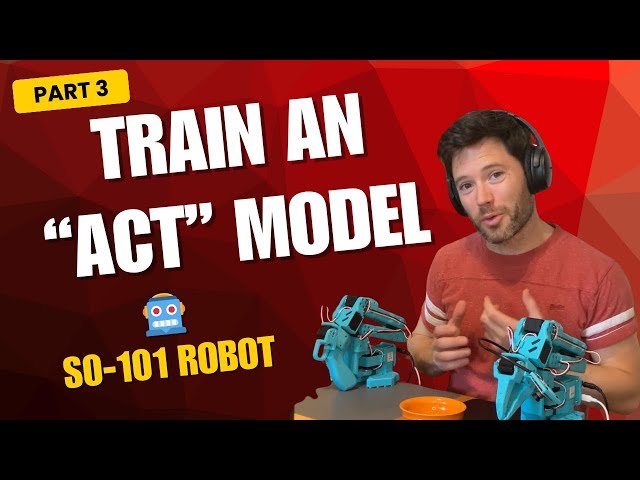
Train an ACT Policy for the SO-101 Robot with LeRobot
Automatically move to the next video in the Classroom when playback concludes
- 1 00:00 Introduction to Training the SO-101 Robot with ACT
- 2 00:21 Overview of the Video Series
- 3 01:16 Scripts and Repo Access: Trelis.com/ADVANCED-robotics
- 4 01:57 Cloning and Installing LeRobot Libraries
- 5 06:07 Connecting and Configuring the Robots
- 6 08:53 Calibrating the Motors and Arms
- 7 12:33 Teleoperation Setup
- 8 18:04 PID Controller Calibration
- 9 27:10 Recording and Managing Data
- 10 39:05 Training the ACT Model
- 11 44:33 Style settings and KL Weight ADVANCED
- 12 49:06 Running Training on a Mac or cpu
- 13 50:54 Setting Up Validation and Output Directories
- 14 53:44 Running Training on Mac and Handling Issues
- 15 55:31 Monitoring Training Progress
- 16 57:25 Calculating Training S teps and Epochs
- 17 58:28 Analyzing Training and Validation Loss
- 18 01:04:02 Setting Up Training on GPU
- 19 01:08:19 Connecting to Remote Host and Cloning Repo
- 20 01:12:48 Running Training on CUDA
- 21 01:14:48 Handling Issues Running on CUDA
- 22 01:23:28 Inspecting Results after Running on CUDA
- 23 01:27:04 Evaluating Model Performance
- 24 01:28:37 Replay and Evaluation of Training Examples
- 25 01:35:21 Challenges with Generalization and Data Requirements
- 26 01:36:28 Using Image Augmentations and Jitter
- 27 01:37:08 Deciding Number of Rollout Steps
- 28 01:40:06 Ensembling Predictions for Smoother Trajectories
- 29 01:43:43 Conclusion and Next Steps

