Completed
10:06 Darken the rocks on the left side for better balance with the right
Class Central Classrooms beta
YouTube videos curated by Class Central.
Classroom Contents
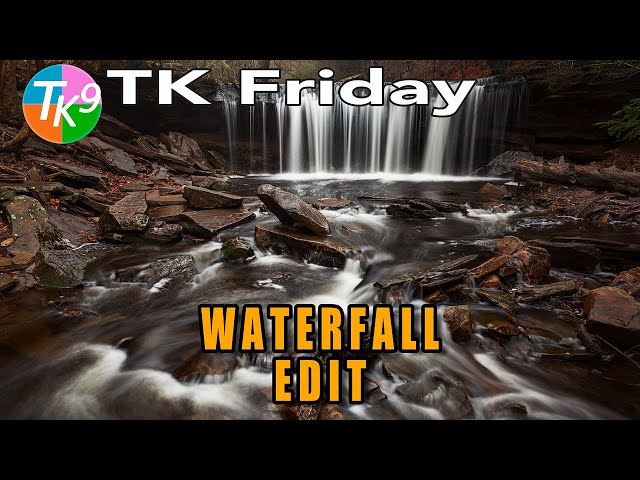
TK9 Plugin Waterfall Edit in Photoshop - Nature's Flow
Automatically move to the next video in the Classroom when playback concludes
- 1 00:00 Intro
- 2 00:29 Today's Image by Dave Kelly
- 3 00:35 Download the image and PDF Notes
- 4 00:41 TK Web Store Information and Promo Code
- 5 01:35 Lightroom Classic Editing Info
- 6 02:22 Balance and Contrast Adjustment
- 7 03:46 MidTone Contrast
- 8 04:54 Darken Foreground Shadows
- 9 07:45 Lighten Rock Shadow areas on the right side
- 10 09:20 Desaturate the areas lightened in previous step
- 11 10:06 Darken the rocks on the left side for better balance with the right
- 12 12:28 Paint with a Screen brush to bring out the fog and light behind the waterfall
- 13 13:53 Accentuate the textures in the rocks and trees
- 14 16:02 Vignette
- 15 17:01 Burn the light rock at the bottom center to reduce distraction
- 16 17:38 Remove the light rock above the waterfall
- 17 18:39 Overall Before and After
- 18 18:40 BW Conversion with the TK Magic Mixer
- 19 19:36 Outro

