Completed
09:20 Desaturate the areas lightened in previous step
Class Central Classrooms beta
YouTube videos curated by Class Central.
Classroom Contents
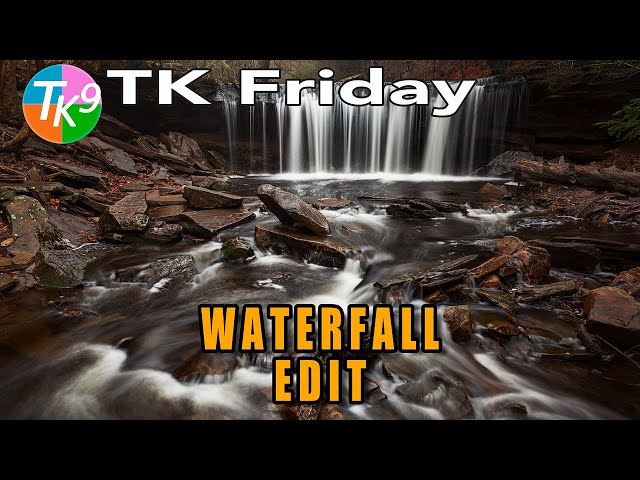
TK9 Plugin Waterfall Edit in Photoshop - Nature's Flow
Automatically move to the next video in the Classroom when playback concludes
- 1 00:00 Intro
- 2 00:29 Today's Image by Dave Kelly
- 3 00:35 Download the image and PDF Notes
- 4 00:41 TK Web Store Information and Promo Code
- 5 01:35 Lightroom Classic Editing Info
- 6 02:22 Balance and Contrast Adjustment
- 7 03:46 MidTone Contrast
- 8 04:54 Darken Foreground Shadows
- 9 07:45 Lighten Rock Shadow areas on the right side
- 10 09:20 Desaturate the areas lightened in previous step
- 11 10:06 Darken the rocks on the left side for better balance with the right
- 12 12:28 Paint with a Screen brush to bring out the fog and light behind the waterfall
- 13 13:53 Accentuate the textures in the rocks and trees
- 14 16:02 Vignette
- 15 17:01 Burn the light rock at the bottom center to reduce distraction
- 16 17:38 Remove the light rock above the waterfall
- 17 18:39 Overall Before and After
- 18 18:40 BW Conversion with the TK Magic Mixer
- 19 19:36 Outro

