Completed
12:54 Adding a key light to cast contact shadows
Class Central Classrooms beta
YouTube videos curated by Class Central.
Classroom Contents
Blender VFX Compositing - Projection-Based In-Camera Technique with Cyclorama Backdrop
Automatically move to the next video in the Classroom when playback concludes
- 1 00:00 Introduction to the compositing workflow
- 2 00:48 Reviewing the video footage
- 3 01:31 Cleaning up the 3D tracked scene in Blender
- 4 01:52 Aligning the scene to the world origin
- 5 04:26 Creating the Cyclorama Infinite Backdrop
- 6 09:08 Projecting the video onto the Cyclorama
- 7 12:54 Adding a key light to cast contact shadows
- 8 15:17 Adding ambient fill light
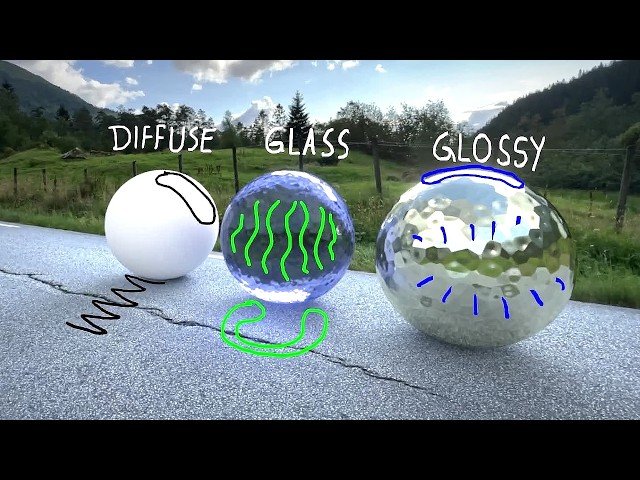
- 9 16:16 Testing different material types
- 10 17:32 Fixing reflection artifacts
- 11 19:21 Creating reflections with a fake environment texture
- 12 21:36 Combining lighting and reflections with the Light Path node
- 13 23:54 Final color grading in the compositor
- 14 28:05 Compositing with an animated 3D model
- 15 30:38 Final render
- 16 31:28 Outro & Patreon information

