
Completed
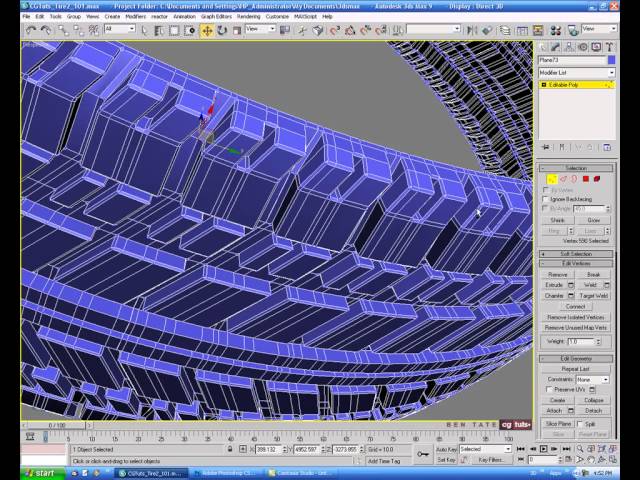
Scale the Tire
Class Central Classrooms beta
YouTube videos curated by Class Central.
Classroom Contents
Modeling a High-Poly Car Tire in 3ds Max
Automatically move to the next video in the Classroom when playback concludes
- 1 Introduction
- 2 Image
- 3 Plane
- 4 Vertex
- 5 Vertical
- 6 Horizontal
- 7 Polygons
- 8 Extrude
- 9 Target
- 10 Welding
- 11 Front view
- 12 Side edges
- 13 Front edges
- 14 Back edges
- 15 Corners
- 16 Chamfer
- 17 Mount
- 18 Hide Blueprint
- 19 Weld
- 20 Bend Modifier
- 21 Move Tool
- 22 Attach
- 23 Bend
- 24 Border
- 25 Edges
- 26 Mirror
- 27 Vertex Selection
- 28 Front View Selection
- 29 Attach Mirror
- 30 Bump Map
- 31 Photoshop
- 32 Detach Sidewall
- 33 Map Sidewall
- 34 Load Bump Map
- 35 UV Edit
- 36 Smooth Modifier
- 37 Attaching the Tire
- 38 Adding the Rim
- 39 Moving the Rim
- 40 Scale the Tire
- 41 Clipping the Tire
- 42 Quick Render
- 43 Final Render

