Completed
00:00 - Introduction
Class Central Classrooms beta
YouTube videos curated by Class Central.
Classroom Contents
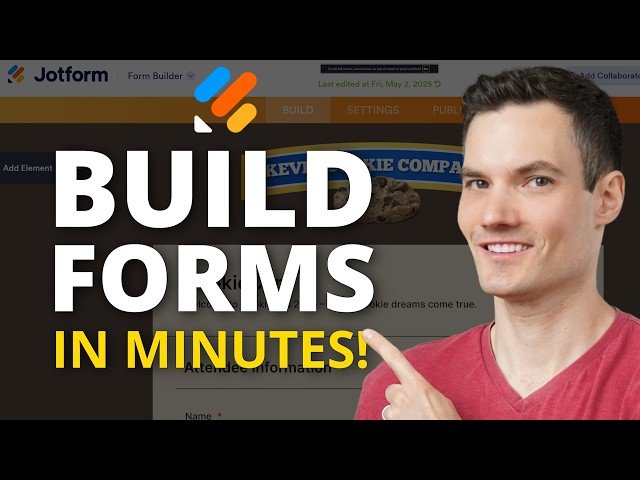
How to Build Powerful Online Forms for Free with Jotform - Full Tutorial 2025
Automatically move to the next video in the Classroom when playback concludes
- 1 00:00 - Introduction
- 2 00:45 - Sign up and get started for free
- 3 01:03 - Create your first form
- 4 03:41 - Start using the form builder
- 5 04:31 - Drag and drop form elements
- 6 06:14 - Customize element properties
- 7 08:00 - Add additional form elements
- 8 10:46 - Adjust question order
- 9 11:04 - Set up smart conditional logic
- 10 13:05 - Preview and test your form
- 11 13:47 - Add payments with Stripe or PayPal
- 12 14:22 - Insert interactive widgets
- 13 14:57 - Apply custom colors and themes
- 14 15:59 - Set up email notifications
- 15 17:45 - Customize the thank you page
- 16 18:30 - Integrate with Google Sheets & more
- 17 18:59 - Explore workflows and approvals
- 18 19:10 - Add e-signatures with JotForm Sign
- 19 19:27 - Preview on all devices
- 20 19:53 - Publish and share your form
- 21 20:29 - View responses and analytics
- 22 20:57 - Wrap up and next steps

