
Completed
0:00 - Interactive Activity: 'Most Secure Standing'
Class Central Classrooms beta
YouTube videos curated by Class Central.
Classroom Contents
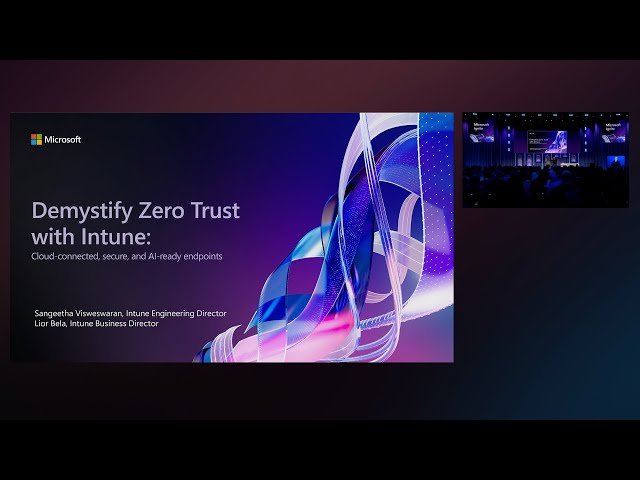
Demystify Zero Trust with Intune - Cloud-Connected, Secure, and AI-Ready Endpoints
Automatically move to the next video in the Classroom when playback concludes
- 1 0:00 - Interactive Activity: 'Most Secure Standing'
- 2 00:05:35 - Three Zero Trust Principles with Intune Examples
- 3 00:07:30 - Introducing the Zero Trust Puzzle Pieces
- 4 00:11:36 - Prioritizing Critical Scenarios with Fast Turnaround Times
- 5 00:12:46 - Introduction of 'Admin Tasks' Unified Task Management Feature
- 6 00:21:27 - Introduction to App Security and Breach Prevention
- 7 00:36:00 - Overview of Internal Recovery for remote device restoration after OS failure
- 8 00:36:33 - Managing cloud and line-of-business apps with Intune and Windows 365
- 9 00:43:11 - Session conclusion with key takeaways, homework, and Zero Trust workshop details

