Completed
Q -- DynaMesh, unwanted holes [3] Thickness
Class Central Classrooms beta
YouTube videos curated by Class Central.
Classroom Contents
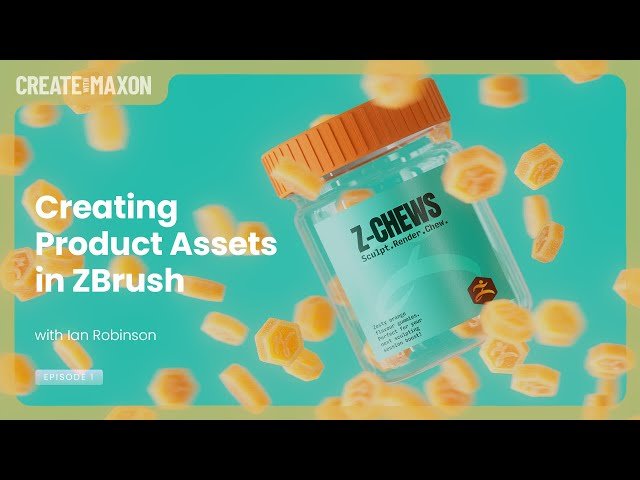
Creating Product Assets in ZBrush
Automatically move to the next video in the Classroom when playback concludes
- 1 Waiting Loop
- 2 Welcome
- 3 Today's Topic, Preview
- 4 ZBrush Modeling Session
- 5 ZBrush, Gummy ZBrush
- 6 __ Work area set up
- 7 __ Initializing a Cylinder, Hexagon
- 8 __ Make Polymesh3D
- 9 __ Scale and Rotate
- 10 __ Crease By PolyGroups - Bevel
- 11 Q - DynaMesh, unwanted holes [1]
- 12 __ Crease level, Divide
- 13 Q -- DynaMesh, unwanted holes [2]
- 14 Q -- DynaMesh, unwanted holes [3] Thickness
- 15 Q - Crease vs Chamfer vs Pinching
- 16 __ Adding multiple edgeloops, DynaMesh
- 17 __ Logo
- 18 __ Adding Alpha - example, positioning
- 19 __ Adding ZBrush Logo, deselect backside
- 20 __ Pulling unmasked down, creating logo
- 21 __ Smoothing details
- 22 __ Mirror and Weld vs Control Drag
- 23 __ Clip and Control-Shift menu
- 24 Q - Mask without affecting the face behind
- 25 ZBrush, Jar with Lid
- 26 __ Handling EdgeLoops and shaping
- 27 __ ZModeler Brush, Interactive Elevation
- 28 __ Thread, Stamp, Initialize Helix
- 29 __ Helix - Make PolyMesh3D, positioning
- 30 Tip - The advantage of troubleshooting
- 31 __ Lid Thread fit
- 32 __ Harvesting the Lid from the Jar
- 33 __ Lid Top, close hole, convex, thickness
- 34 __ Adjusting the Lid
- 35 __ Lid border knurling-ribs, Stager, Home
- 36 __ Inset Knurl Ribs, Adjust
- 37 Q - What does knurling mean
- 38 __ Merging Lid parts [1]
- 39 __ Considering target application, Cinema 4D
- 40 __ Merging Lid parts [2]
- 41 __ Merging Lid parts [3] Remesh by Union
- 42 __ Merging Lid parts [4] ZRemesher
- 43 ZBrush vs Cinema 4D, discussion, GOZ
- 44 Coming soon, jewelry
- 45 Thanks and bye
- 46 QR for question

