Completed
Waiting Loop
Class Central Classrooms beta
YouTube videos curated by Class Central.
Classroom Contents
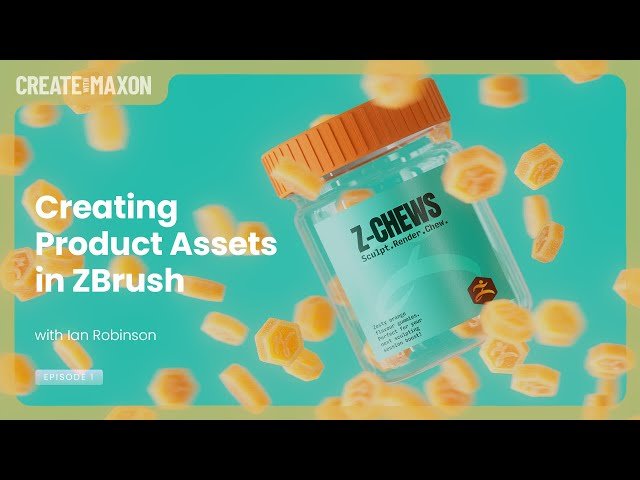
Creating Product Assets in ZBrush
Automatically move to the next video in the Classroom when playback concludes
- 1 Waiting Loop
- 2 Welcome
- 3 Today's Topic, Preview
- 4 ZBrush Modeling Session
- 5 ZBrush, Gummy ZBrush
- 6 __ Work area set up
- 7 __ Initializing a Cylinder, Hexagon
- 8 __ Make Polymesh3D
- 9 __ Scale and Rotate
- 10 __ Crease By PolyGroups - Bevel
- 11 Q - DynaMesh, unwanted holes [1]
- 12 __ Crease level, Divide
- 13 Q -- DynaMesh, unwanted holes [2]
- 14 Q -- DynaMesh, unwanted holes [3] Thickness
- 15 Q - Crease vs Chamfer vs Pinching
- 16 __ Adding multiple edgeloops, DynaMesh
- 17 __ Logo
- 18 __ Adding Alpha - example, positioning
- 19 __ Adding ZBrush Logo, deselect backside
- 20 __ Pulling unmasked down, creating logo
- 21 __ Smoothing details
- 22 __ Mirror and Weld vs Control Drag
- 23 __ Clip and Control-Shift menu
- 24 Q - Mask without affecting the face behind
- 25 ZBrush, Jar with Lid
- 26 __ Handling EdgeLoops and shaping
- 27 __ ZModeler Brush, Interactive Elevation
- 28 __ Thread, Stamp, Initialize Helix
- 29 __ Helix - Make PolyMesh3D, positioning
- 30 Tip - The advantage of troubleshooting
- 31 __ Lid Thread fit
- 32 __ Harvesting the Lid from the Jar
- 33 __ Lid Top, close hole, convex, thickness
- 34 __ Adjusting the Lid
- 35 __ Lid border knurling-ribs, Stager, Home
- 36 __ Inset Knurl Ribs, Adjust
- 37 Q - What does knurling mean
- 38 __ Merging Lid parts [1]
- 39 __ Considering target application, Cinema 4D
- 40 __ Merging Lid parts [2]
- 41 __ Merging Lid parts [3] Remesh by Union
- 42 __ Merging Lid parts [4] ZRemesher
- 43 ZBrush vs Cinema 4D, discussion, GOZ
- 44 Coming soon, jewelry
- 45 Thanks and bye
- 46 QR for question

