Completed
Using Subdivisions to Smooth Mesh and Add Fine Details
Class Central Classrooms beta
YouTube videos curated by Class Central.
Classroom Contents
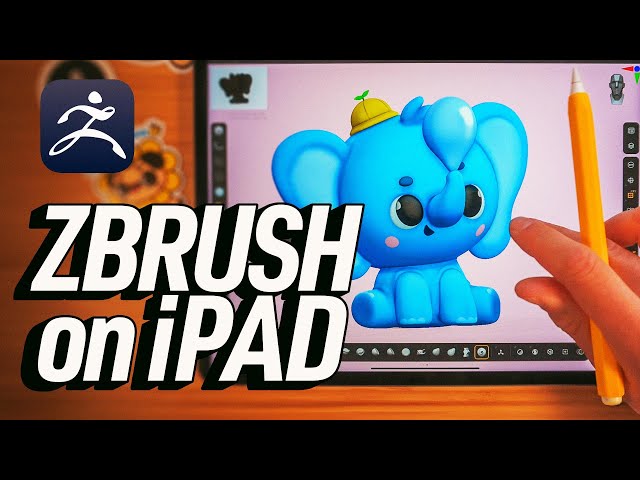
Create Your First Digital Sculpture in ZBrush for iPad - Character Creation Tutorial
Automatically move to the next video in the Classroom when playback concludes
- 1 Getting Started
- 2 Creating the Character Blockout
- 3 Creating the Legs, Ears, and Eyes
- 4 Using Subdivisions to Smooth Mesh and Add Fine Details
- 5 Merging Objects Together
- 6 Using Dynamesh
- 7 Using ZRemesher
- 8 Sculpting in Details
- 9 Chapter: Add Color
- 10 Lighting and Rendering
- 11 Moving Multiple Subtools
- 12 Adding Ambient Occlusion and Shadows
- 13 Wrap Up

