Completed
Getting Started
Class Central Classrooms beta
YouTube videos curated by Class Central.
Classroom Contents
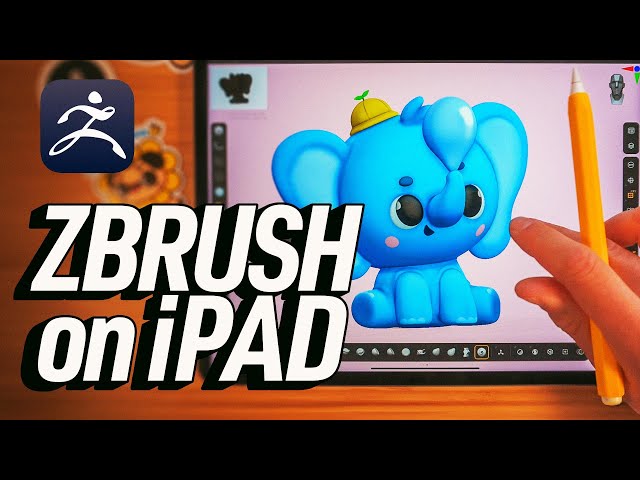
Create Your First Digital Sculpture in ZBrush for iPad - Character Creation Tutorial
Automatically move to the next video in the Classroom when playback concludes
- 1 Getting Started
- 2 Creating the Character Blockout
- 3 Creating the Legs, Ears, and Eyes
- 4 Using Subdivisions to Smooth Mesh and Add Fine Details
- 5 Merging Objects Together
- 6 Using Dynamesh
- 7 Using ZRemesher
- 8 Sculpting in Details
- 9 Chapter: Add Color
- 10 Lighting and Rendering
- 11 Moving Multiple Subtools
- 12 Adding Ambient Occlusion and Shadows
- 13 Wrap Up

