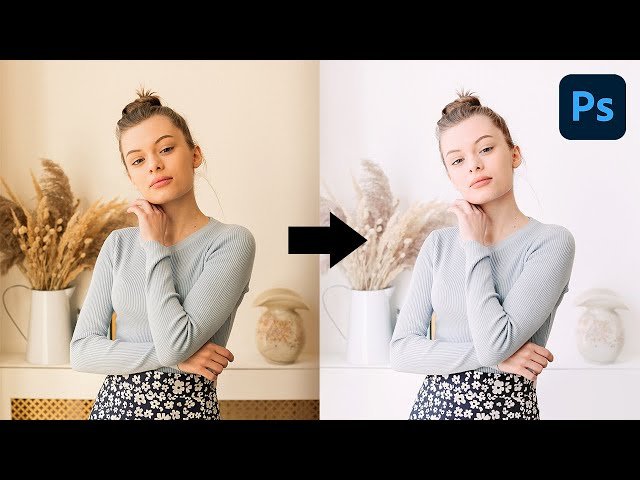
Create High-Key Effect with Simple Steps in Photoshop

Create High-Key Effect with Simple Steps in Photoshop

PiXimperfect via YouTube Direct link

The Final Curves

11 of 12

11 of 12

The Final Curves

Class Central Classrooms beta

YouTube videos curated by Class Central.

Classroom Contents

Create High-Key Effect with Simple Steps in Photoshop

Automatically move to the next video in the Classroom when playback concludes

  1. 1 Introduction & Limitations
  2. 2 The Cleanup
  3. 3 Targeted Brightening
  4. 4 Air Up the Reds
  5. 5 Be Cool
  6. 6 Air Up the Atmosphere
  7. 7 Fixing the Color Cast
  8. 8 Don't Forget the Punch
  9. 9 Recovering the Lips
  10. 10 Easy Color Grading
  11. 11 The Final Curves
  12. 12 Summary & Important Points

Never Stop Learning.

Get personalized course recommendations, track subjects and courses with reminders, and more.

Someone learning on their laptop while sitting on the floor.