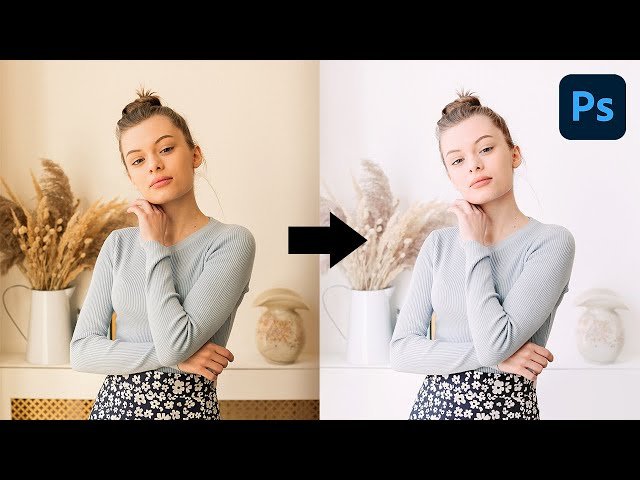
Create High-Key Effect with Simple Steps in Photoshop

Create High-Key Effect with Simple Steps in Photoshop

PiXimperfect via YouTube Direct link

Introduction & Limitations

1 of 12

1 of 12

Introduction & Limitations

Class Central Classrooms beta

YouTube videos curated by Class Central.

Classroom Contents

Create High-Key Effect with Simple Steps in Photoshop

Automatically move to the next video in the Classroom when playback concludes

  1. 1 Introduction & Limitations
  2. 2 The Cleanup
  3. 3 Targeted Brightening
  4. 4 Air Up the Reds
  5. 5 Be Cool
  6. 6 Air Up the Atmosphere
  7. 7 Fixing the Color Cast
  8. 8 Don't Forget the Punch
  9. 9 Recovering the Lips
  10. 10 Easy Color Grading
  11. 11 The Final Curves
  12. 12 Summary & Important Points

Never Stop Learning.

Get personalized course recommendations, track subjects and courses with reminders, and more.

Someone learning on their laptop while sitting on the floor.