Completed
21. 15:33 TEXTJOIN & TEXTSPLIT functions to split customer names from an 8 row array into an array for each row. This step solves the dynamic spilled array formula problem of spilling an array of arr…
Class Central Classrooms beta
YouTube videos curated by Class Central.
Classroom Contents
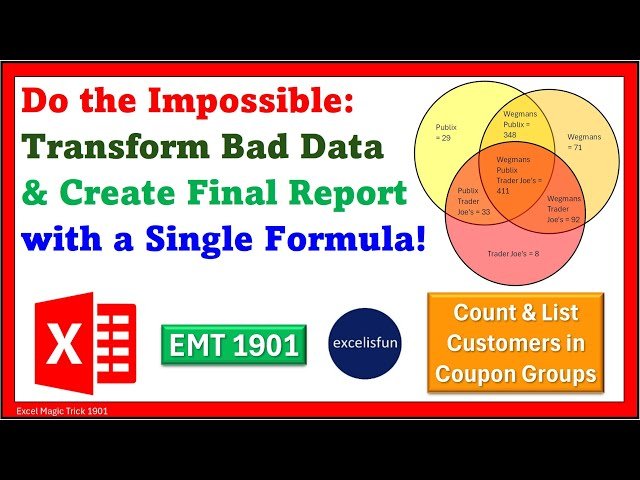
COUNTIFS, GROUPBY and LET Functions - Create Amazing Single Cell Dynamic Spilled Array Report - EMT 1901
Automatically move to the next video in the Classroom when playback concludes
- 1 1. 00:00 Introduction.
- 2 2. 00:24 Methods we used back in 2018 to solve this complex reporting task.
- 3 3. 00:37 Goal of report: List unique coupon groups with the count and list of customers in each group.
- 4 4. 01:27 Fundamental problem with data: We have a customer list and a coupon sales table, but no set of records that list which coupons each customer used. We will have to transform the data into a t…
- 5 5. 02:01 Look at tables of data given and final report.
- 6 6. 02:40 Formula #1
- 7 7. 02:40 LET functions to define variables. Used when formula elements are repeated in complex formula.
- 8 8. 03:27 TOROW, UNIQUE and SORT functions to create Store variable.
- 9 9. 04:12 How to test the variables that you create in the LET functions.
- 10 10. 05:05 Look at the set of records that we must create to solve this problem.
- 11 11. 05:18 COLUMNS function to create Count Stores variable.
- 12 12. 05:43 COUNTIFS and IF function to create Customer Store Records variable.
- 13 13. 07:16 All Excel Logical Functions IF, IFS, AND, OR, FILTER and many more interpret any non-zero number as TRUE and zero as FALSE.
- 14 14. 08:17 GROUPBY, COUNTA, ARRAYTOTEXT, HSTACK and DROP functions to create Groupby variable that will count the customers in each group.
- 15 15. 10:05 How to sort when there are more than one column in the row_fields argument of GROUPBY function by using the field_relationship argument.
- 16 16. 11:05 HSTACK function to make multiple calculations in a GROUPBY function report.
- 17 17. 12:21 DROP function to drop the annoying default first row labels in a multiple calculation GROUPBY reports.
- 18 18. 12:49 SEQUENCE and ROWS functions to create Report First Column variable.
- 19 19. 13:42 DROP and EXPAND functions to create Report Middle Column variable.
- 20 20. 14:59 TAKE function to create Report Last Column variable.
- 21 21. 15:33 TEXTJOIN & TEXTSPLIT functions to split customer names from an 8 row array into an array for each row. This step solves the dynamic spilled array formula problem of spilling an array of arr…
- 22 22. 18:41 TRANSPOSE & HSTACK to create final report!
- 23 23. 19:31 REDUCE, LAMBDA, VSTACK, EXPAND, TEXTSPLIT, MAX and DROP functions to split customer names from an 8 row array into an array for each row. This step solves the dynamic spilled array formula …
- 24 24. 20:04 What is REDUCE function and what is LAMBDA function?
- 25 25. 24:19 Summary
- 26 26. 24:31 Closing

