Completed
1. 00:00 Introduction.
Class Central Classrooms beta
YouTube videos curated by Class Central.
Classroom Contents
COUNTIFS, GROUPBY and LET Functions - Create Amazing Single Cell Dynamic Spilled Array Report - EMT 1901
Automatically move to the next video in the Classroom when playback concludes
- 1 1. 00:00 Introduction.
- 2 2. 00:24 Methods we used back in 2018 to solve this complex reporting task.
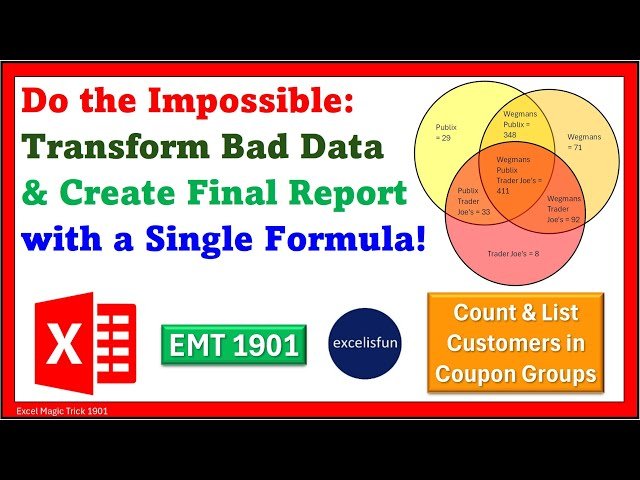
- 3 3. 00:37 Goal of report: List unique coupon groups with the count and list of customers in each group.
- 4 4. 01:27 Fundamental problem with data: We have a customer list and a coupon sales table, but no set of records that list which coupons each customer used. We will have to transform the data into a t…
- 5 5. 02:01 Look at tables of data given and final report.
- 6 6. 02:40 Formula #1
- 7 7. 02:40 LET functions to define variables. Used when formula elements are repeated in complex formula.
- 8 8. 03:27 TOROW, UNIQUE and SORT functions to create Store variable.
- 9 9. 04:12 How to test the variables that you create in the LET functions.
- 10 10. 05:05 Look at the set of records that we must create to solve this problem.
- 11 11. 05:18 COLUMNS function to create Count Stores variable.
- 12 12. 05:43 COUNTIFS and IF function to create Customer Store Records variable.
- 13 13. 07:16 All Excel Logical Functions IF, IFS, AND, OR, FILTER and many more interpret any non-zero number as TRUE and zero as FALSE.
- 14 14. 08:17 GROUPBY, COUNTA, ARRAYTOTEXT, HSTACK and DROP functions to create Groupby variable that will count the customers in each group.
- 15 15. 10:05 How to sort when there are more than one column in the row_fields argument of GROUPBY function by using the field_relationship argument.
- 16 16. 11:05 HSTACK function to make multiple calculations in a GROUPBY function report.
- 17 17. 12:21 DROP function to drop the annoying default first row labels in a multiple calculation GROUPBY reports.
- 18 18. 12:49 SEQUENCE and ROWS functions to create Report First Column variable.
- 19 19. 13:42 DROP and EXPAND functions to create Report Middle Column variable.
- 20 20. 14:59 TAKE function to create Report Last Column variable.
- 21 21. 15:33 TEXTJOIN & TEXTSPLIT functions to split customer names from an 8 row array into an array for each row. This step solves the dynamic spilled array formula problem of spilling an array of arr…
- 22 22. 18:41 TRANSPOSE & HSTACK to create final report!
- 23 23. 19:31 REDUCE, LAMBDA, VSTACK, EXPAND, TEXTSPLIT, MAX and DROP functions to split customer names from an 8 row array into an array for each row. This step solves the dynamic spilled array formula …
- 24 24. 20:04 What is REDUCE function and what is LAMBDA function?
- 25 25. 24:19 Summary
- 26 26. 24:31 Closing

