Completed
13:35 Adjusting joints, fingers and calibration for cleaner deformations
Class Central Classrooms beta
YouTube videos curated by Class Central.
Classroom Contents
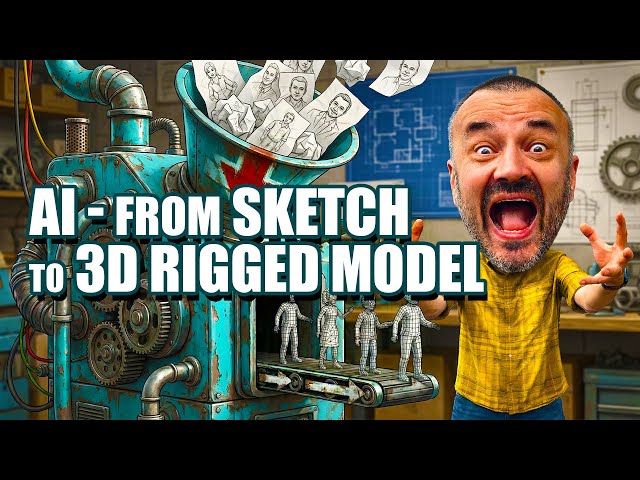
AI 3D Character from Sketch to Fully Rigged Model - No Modeling Needed
Automatically move to the next video in the Classroom when playback concludes
- 1 00:00 From sketch to 3D: full AI pipeline overview
- 2 00:24 No modeling, no texturing, no rigging skills required
- 3 00:29 Multi-view character setup in NanoBanana Pro T-pose, clean background
- 4 01:13 Generating back, side and extra views for consistent references
- 5 01:56 Fixing small design mismatches hoses, belts, details for clean input
- 6 02:56 Why I use Hitem3D for image-to-3D quality vs other services
- 7 03:36 Choosing ultra-low 512 model for AI rigging compatibility
- 8 04:48 Credits, textures and cost-saving workflow in Hitem3D
- 9 05:30 Comparing high-res vs low-res models: detail vs practicality
- 10 06:59 Exporting the model as FBX for maximum compatibility
- 11 07:48 Auto-rigging in Mixamo: joint placement and limitations
- 12 09:41 Handling gloves and fingers when mesh is fused together
- 13 10:45 Problems with hard parts helmet, backpack and lack of masking
- 14 11:32 Rigging in AccuRig: more joints, finer control, free desktop tool
- 15 13:35 Adjusting joints, fingers and calibration for cleaner deformations
- 16 16:56 Previewing motions, paid/free clips and exporting to other apps

