Completed
10:45 Problems with hard parts helmet, backpack and lack of masking
Class Central Classrooms beta
YouTube videos curated by Class Central.
Classroom Contents
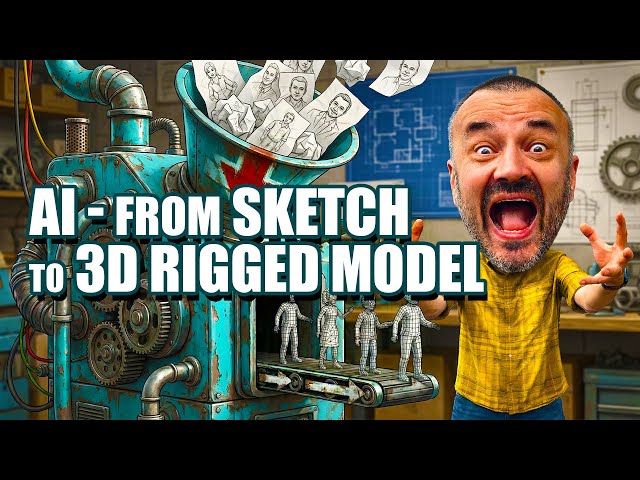
AI 3D Character from Sketch to Fully Rigged Model - No Modeling Needed
Automatically move to the next video in the Classroom when playback concludes
- 1 00:00 From sketch to 3D: full AI pipeline overview
- 2 00:24 No modeling, no texturing, no rigging skills required
- 3 00:29 Multi-view character setup in NanoBanana Pro T-pose, clean background
- 4 01:13 Generating back, side and extra views for consistent references
- 5 01:56 Fixing small design mismatches hoses, belts, details for clean input
- 6 02:56 Why I use Hitem3D for image-to-3D quality vs other services
- 7 03:36 Choosing ultra-low 512 model for AI rigging compatibility
- 8 04:48 Credits, textures and cost-saving workflow in Hitem3D
- 9 05:30 Comparing high-res vs low-res models: detail vs practicality
- 10 06:59 Exporting the model as FBX for maximum compatibility
- 11 07:48 Auto-rigging in Mixamo: joint placement and limitations
- 12 09:41 Handling gloves and fingers when mesh is fused together
- 13 10:45 Problems with hard parts helmet, backpack and lack of masking
- 14 11:32 Rigging in AccuRig: more joints, finer control, free desktop tool
- 15 13:35 Adjusting joints, fingers and calibration for cleaner deformations
- 16 16:56 Previewing motions, paid/free clips and exporting to other apps

