Completed
Personal VS Content growth
Class Central Classrooms beta
YouTube videos curated by Class Central.
Classroom Contents
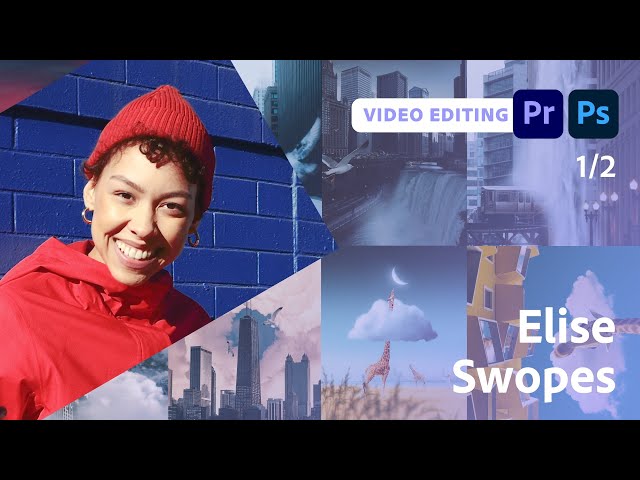
Working with Perspective - Video Editing Techniques with Premiere Pro - Part 1
Automatically move to the next video in the Classroom when playback concludes
- 1 Start
- 2 Who is Elise Swopes
- 3 Work begins in Premiere
- 4 Importing files into Premiere
- 5 Webby awards information
- 6 choosing the right size format
- 7 What do clients ask for when they want you to make a branding video?
- 8 Adding an eye blinking effect
- 9 Elise’s education history
- 10 Personal VS Content growth
- 11 Syncing and masking shots to create a transformation effect
- 12 Preset assets and LUTs
- 13 Where to find stock assets/collecting B-Roll

