Completed
00:00 - Intro
Class Central Classrooms beta
YouTube videos curated by Class Central.
Classroom Contents
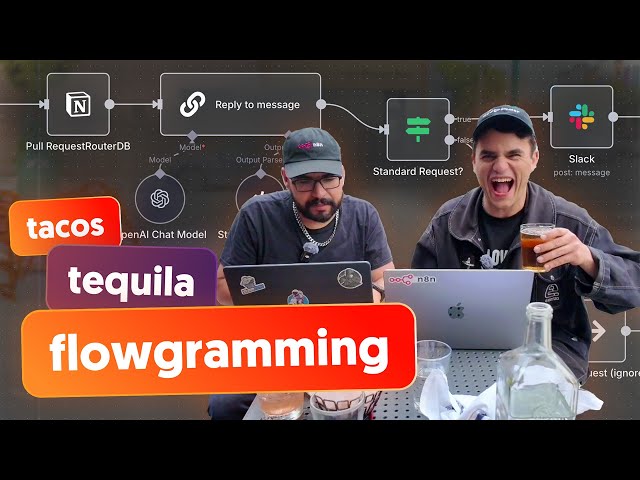
Building an AI-Powered LinkedIn Message Auto-Reply System with n8n
Automatically move to the next video in the Classroom when playback concludes
- 1 00:00 - Intro
- 2 00:59 - Problem: overload of inbound requests
- 3 01:40 - Solution: Request router AI workflow
- 4 04:10 - Rundown of the plan
- 5 05:14 - Create webhook in Unipile & n8n
- 6 07:40 - Set up Notion database
- 7 10:05 - Transform Request Router data for AI
- 8 11:40 - Message classifier and AI reply generation
- 9 15:05 - Map request data to system prompt and structure output
- 10 18:06 - Set up LinkedIn message sending
- 11 22:07 - Intermission
- 12 22:35 - Human in the loop with Slack
- 13 24:04 - Slack Block Kit Builder
- 14 25:56 - Hook up Block UI in n8n
- 15 33:40 - Testing & troubleshooting slack + n8n
- 16 38:20 - Testing approve button
- 17 41:44 - Forgot to activate webhook trigger
- 18 45:50 - Try to get LinkedIn messages marked as read
- 19 46:41 - Wrap up

