Completed
5:41 - Create Conversations & overlapping dialogue in images & videos
Class Central Classrooms beta
YouTube videos curated by Class Central.
Classroom Contents
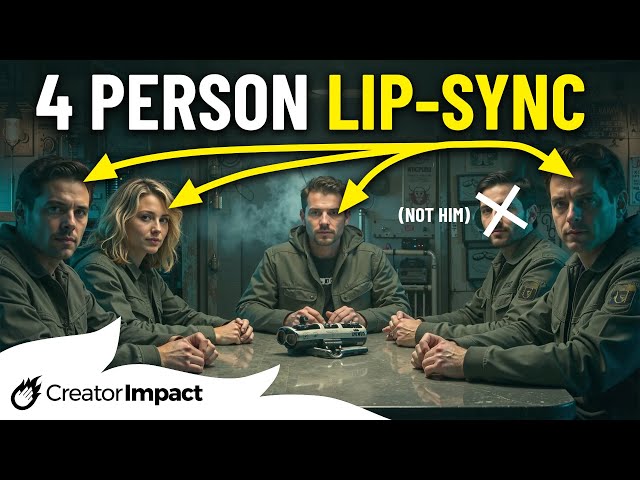
AI Lip Sync Tutorial - Adding Multi-Character Dialogue with Dzine AI
Automatically move to the next video in the Classroom when playback concludes
- 1 0:00 - Add Dzine AI Lip Sync to 4 characters in one image/video
- 2 5:41 - Create Conversations & overlapping dialogue in images & videos
- 3 9:20 - New Video Upscaling Tool
- 4 9:52 - Using Dzine Ai & Lip sync to create multi-shot video sequences
- 5 11:57 - Examples of Dzine AI's improved Lip Sync capability

