Completed
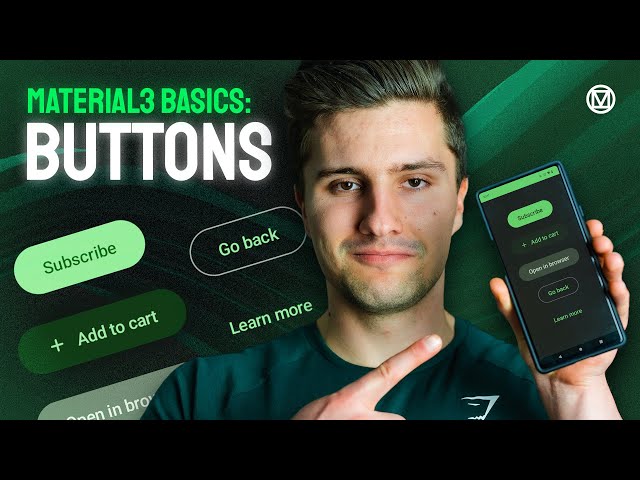
Buttons - UX With Material3
Class Central Classrooms beta
YouTube videos curated by Class Central.
Classroom Contents
UX Design with Material Design 3 Components
Automatically move to the next video in the Classroom when playback concludes
- 1 Buttons - UX With Material3
- 2 Text Fields - UX With Material3
- 3 Selection UI Components (Checkboxes, Switches, Radio Buttons) - UX With Material3
- 4 Top App Bar (Toolbar) - UX With Material3
- 5 Bottom App Bars - UX With Material3
- 6 Bottom Navigation Bar With Badges - UX With Material3
- 7 Navigation Rail - UX With Material3
- 8 Navigation Drawer - UX With Material3
- 9 Full Guide to Bottom Sheets - UX With Material3
- 10 Swipeable Tab Rows - UX With Material3

