Completed
- Introduction
Class Central Classrooms beta
YouTube videos curated by Class Central.
Classroom Contents
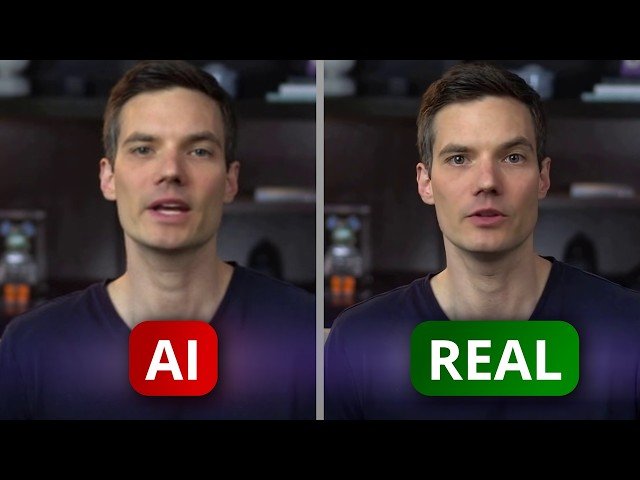
Creating AI Video Avatars with DEEPBRAIN AI - A Step-by-Step Tutorial
Automatically move to the next video in the Classroom when playback concludes
- 1 - Introduction
- 2 - Get started with DEEPBRAIN AI
- 3 - Create Your Custom Avatar
- 4 - Edit Your Avatar Video: AI Studios Interface
- 5 - Change Scene Background
- 6 - Insert Media: Images, Videos, and Audio
- 7 - Add Scene
- 8 - Adjust Avatar Voice
- 9 - Scene Settings and Gestures
- 10 - Generate Backgrounds with AI
- 11 - Add Text and Shapes
- 12 - Transitions and Scene position
- 13 - Add Captions
- 14 - Finalize and Export Your Video
- 15 - Preview Final Video
- 16 - Explore Additional Features
- 17 - Wrap Up

