Completed
20:55 Installing IP-Adapter, RMBBG & Supporting Models
Class Central Classrooms beta
YouTube videos curated by Class Central.
Classroom Contents
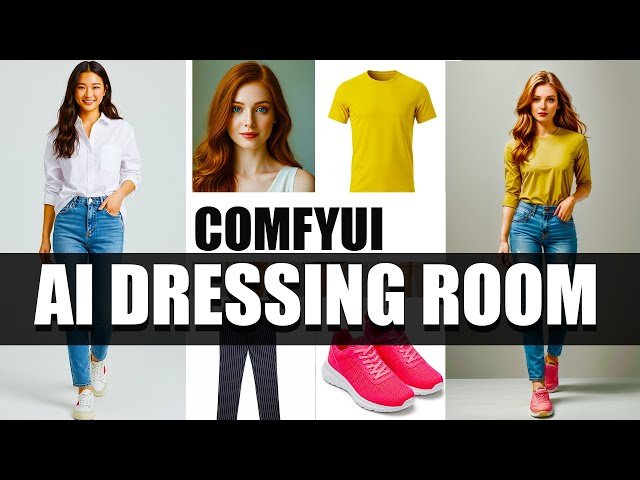
Turn Photo into a Virtual Dressing Room with AI in ComfyUI
Automatically move to the next video in the Classroom when playback concludes
- 1 0:00 Intro – Building a Virtual Dressing Room
- 2 0:20 Workflow Preview & Key Features
- 3 1:18 Loading Images, Pose Analysis & Background Options
- 4 2:30 Streamlining the Workflow zero manual masking
- 5 3:06 Loading the Checkpoint Model and LoRAs
- 6 4:00 Prompt Setup & Background Generation
- 7 5:52 Understanding Node Colors in the Graph
- 8 6:40 ControlNet & Adaptive Resolution Constraints
- 9 8:15 Using a Shared Latent Image for Consistency
- 10 9:30 Clothing Segmentation with RMBBG
- 11 10:50 Adding & Swapping Clothing Items
- 12 12:20 Face Detection, Cropping & Prep
- 13 13:50 REActor Face-Swap Demonstration
- 14 14:46 Background Removal & Final Composition
- 15 15:48 Quick Clothing-Change Test Run
- 16 16:56 Installation Requirements Overview
- 17 18:45 Installing the REActor Node Correctly
- 18 20:55 Installing IP-Adapter, RMBBG & Supporting Models
- 19 22:18 WAS Node Suite and Extra Tools
- 20 23:56 Wrap-Up, Upscaling Tips & Next Steps

