Completed
- Building the Energy view in the Execute section
Class Central Classrooms beta
YouTube videos curated by Class Central.
Classroom Contents
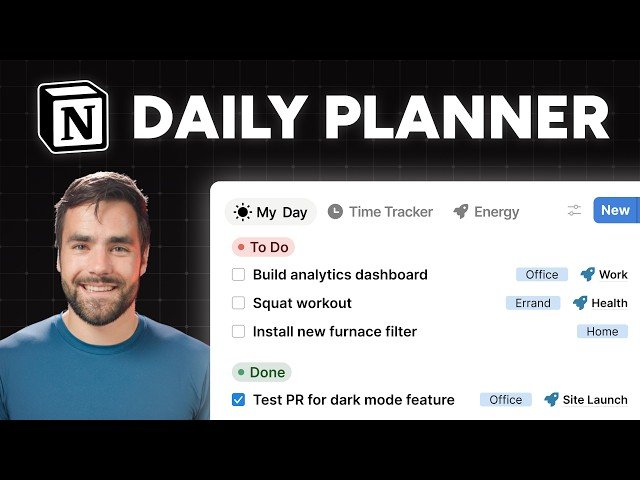
Turn Notion into the Ultimate Daily Planner - Full Build
Automatically move to the next video in the Classroom when playback concludes
- 1 - Introduction
- 2 - Starting the build
- 3 - Why you should use Notion for this
- 4 - Creating the My Day page
- 5 - Building the Plan section
- 6 - How to copy a database view
- 7 - Adding the My Day checkbox
- 8 - Unlocking the Tasks database
- 9 - Building the Execute section
- 10 - Wrap Up section introduction
- 11 - Why you need to clear your task list each day
- 12 - The Wrap Up section
- 13 - Creating a button
- 14 - The extra Wrap Up views
- 15 - The Clear My Day view
- 16 - The Review Calendar view
- 17 - The Plan Tomorrow view
- 18 - Building the Clear My Day view
- 19 - Building the Review Calendar view
- 20 - Building the Plan Tomorrow view
- 21 - Adding Context tags
- 22 - Overview of the Context tags
- 23 - Setting up the Context tags
- 24 - Moving the Context tags with the Layout Builder
- 25 - Adding the Context tags to the My Day database views
- 26 - Adding Context tag views to the Execute section
- 27 - Building the Energy view in the Execute section
- 28 - Re-locking the Tasks database
- 29 - Conclusion

