Completed
17:42 Reduce the saturation of over-saturated warm colors in the foreground
Class Central Classrooms beta
YouTube videos curated by Class Central.
Classroom Contents
Complete Photo Editing Tutorial - Whispers of Erongo Using TK9 Plugin for Photoshop
Automatically move to the next video in the Classroom when playback concludes
- 1 00:00 Intro
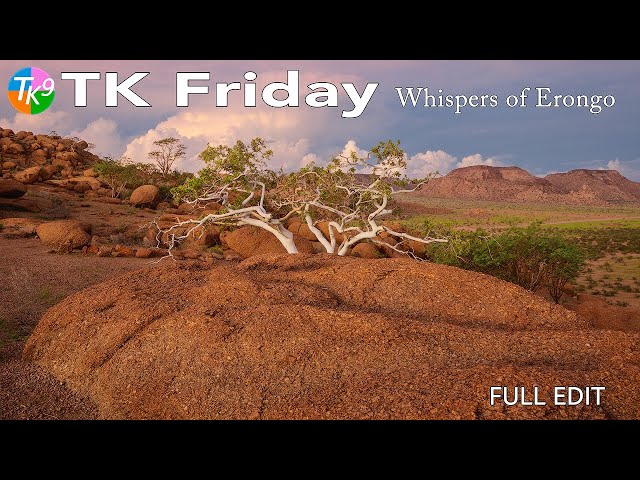
- 2 00:20 Today's Image is by Werner Woska Whispers of Erongo
- 3 00:25 Download the Image and PDF Notes
- 4 00:36 Do you have an image you would like me to edit on a TK Friday
- 5 00:49 TK Web Store Information
- 6 01:37 Let's get started Lightroom Classic editing information
- 7 02:31 Sky and Foreground Balance and Contrast
- 8 06:07 Mid Tone Contrast foreground
- 9 08:29 Lighten Mid Tones foreground
- 10 11:30 Slightly Darken the left side of the foreground
- 11 14:23 Dodge the Highlights of the boulders, upper left side of foreground
- 12 16:14 Burn the Shadows of the mountains, upper right side of foreground
- 13 17:42 Reduce the saturation of over-saturated warm colors in the foreground
- 14 18:58 Close off the bottom of the image
- 15 19:57 Close off the top of the image
- 16 20:47 Vignette
- 17 21:17 Color luminosity adjustment
- 18 22:05 Overall Before and After
- 19 22:27 Outro

