Completed
02:38 Photoshop Info
Class Central Classrooms beta
YouTube videos curated by Class Central.
Classroom Contents
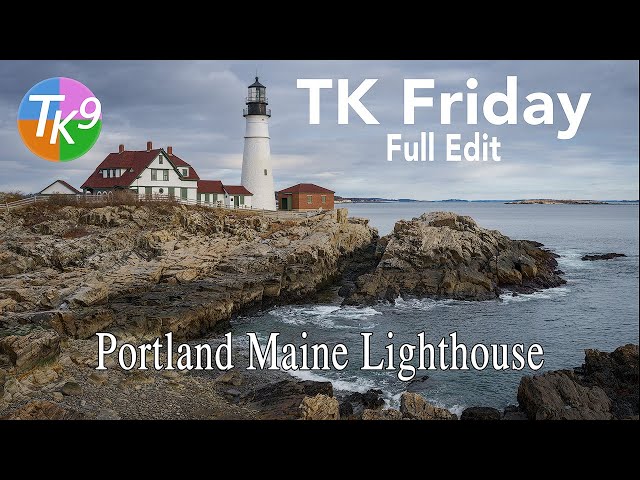
Photoshop TK9 Plugin Tutorial - Lighthouse Photo Editing and Enhancement
Automatically move to the next video in the Classroom when playback concludes
- 1 00:00 Intro
- 2 00:46 Launch Sale at the TK Webstore
- 3 01:43 Lightroom Classic Editing Info
- 4 02:38 Photoshop Info
- 5 03:02 Sky and Foreground Balance and Contrast
- 6 04:42 Save the Lighthouse as a Channel
- 7 05:06 Mid Tone Contrast
- 8 09:01 Darken Light Rocks in the Lower Left Side of the Foreground
- 9 12:04 Darken Light Rocks Below the Lighthouse
- 10 14:07 Slightly Darken the Light Cloud Behind the Lighthouse
- 11 16:07 Close Off the Bottom of the Image
- 12 18:29 Close Off the Top of the Image
- 13 20:07 Add Foreground Detail
- 14 23:05 Increase the Saturation of the Less Saturated Colors in the FG
- 15 24:14 Add a Vignette
- 16 24:48 Clean Out Alpha Channels
- 17 25:17 Overall Before and After
- 18 25:33 Outro

