Completed
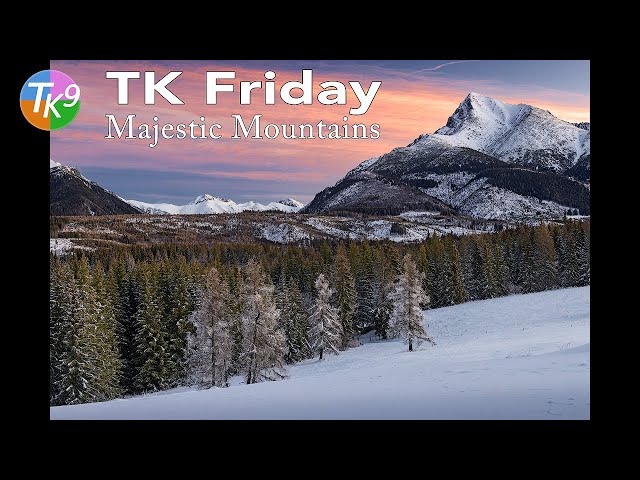
00:23 Today's image by Tamir Vaknin
Class Central Classrooms beta
YouTube videos curated by Class Central.
Classroom Contents
Full Edit of Majestic Mountains Image Using TK9 Plugin for Photoshop
Automatically move to the next video in the Classroom when playback concludes
- 1 00:00 Intro
- 2 00:14 Welcome to TK Friday
- 3 00:23 Today's image by Tamir Vaknin
- 4 00:31 Would you like me to edit you photo on a TK Friday
- 5 00:48 TK WebStore Info
- 6 01:54 Lightroom Classic Editing Info
- 7 02:52 Sky and Foreground Balance and Contrast
- 8 05:13 Mid Tone Contrast and Mid Tone Lightening
- 9 09:50 Increase Yellow Saturation in the Foreground
- 10 11:27 Increase Sky Saturation of Lower Saturated Colors
- 11 12:37 Dodge Highlights in the Pine Trees
- 12 14:11 Adjust Color Luminosity
- 13 14:58 Close Off the Bottom of the Image
- 14 16:10 Close Off the Top of the Image
- 15 17:05 Add Shadow Detail to the Foreground
- 16 18:40 Increase Sky Saturation
- 17 20:00 Freehand Burn the Shadows in the Mountains
- 18 22:24 Overall Before and After
- 19 22:51 Outro

