Completed
14:12 Step 7. Add a glow to the misty area of the water
Class Central Classrooms beta
YouTube videos curated by Class Central.
Classroom Contents
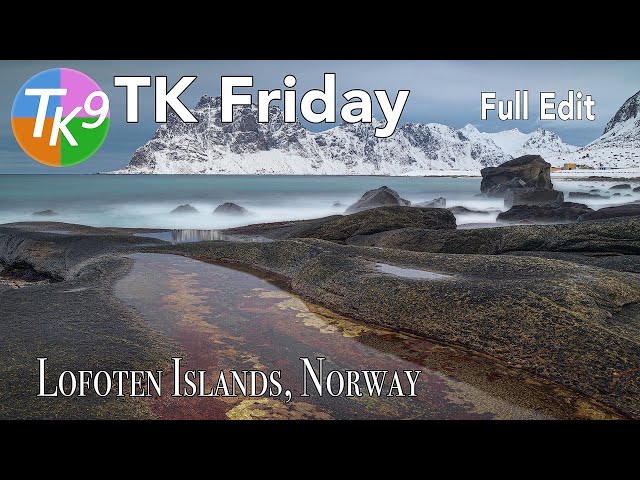
Landscape Photo Editing Tutorial - Lofoten Islands Using TK9 Plugin for Photoshop
Automatically move to the next video in the Classroom when playback concludes
- 1 00:00 Intro
- 2 00:16 Welcome to TK Friday
- 3 02:00 Lightroom Classic Editing Info
- 4 04:24 Step 1. Balance and Contrast Adjustments
- 5 06:54 Step 2. Mid Tone Contrast
- 6 08:45 Step 3. Close off the bottom of the image
- 7 11:19 Step 4. Close off the very bottom of the image
- 8 12:20 Step 5. Close off the top of the image
- 9 13:15 Step 6. Close off the very top of the image
- 10 14:12 Step 7. Add a glow to the misty area of the water
- 11 16:57 Step 8. Increase the saturation of weaker saturated colors
- 12 18:50 Step 9. Color Luminosity Adjustment
- 13 20:06 Step 10. Add Vignette
- 14 21:08 Step 11. Remove dust spots
- 15 22:08 Before and After
- 16 22:28 Outro

