Completed
Lightroom Edit info:
Class Central Classrooms beta
YouTube videos curated by Class Central.
Classroom Contents
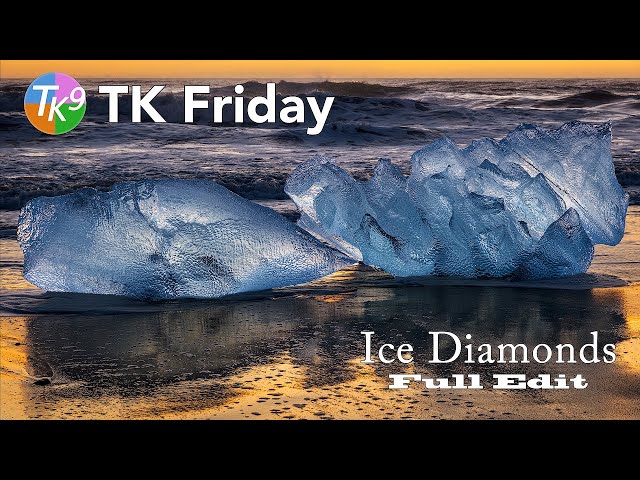
Ice Diamonds Photo Editing Tutorial in Photoshop with TK9 Plugin
Automatically move to the next video in the Classroom when playback concludes
- 1 Lightroom Edit info:
- 2 Step 1. Balance and Contrast
- 3 Step 2. Mid Tone Contrast.
- 4 Step 3. Mid Tone Lighten
- 5 Step 4. Darken Highlights on the beach
- 6 Step 5. Apply Orton Effect to Background
- 7 Step 6. Lighten Ice Diamond highlights
- 8 Step 7. Increase Ice Diamond saturation
- 9 Step 8. Apply Vignette
- 10 Step 9. Add detail to Ice Diamonds and Beach

