Completed
00:00 Intro
Class Central Classrooms beta
YouTube videos curated by Class Central.
Classroom Contents
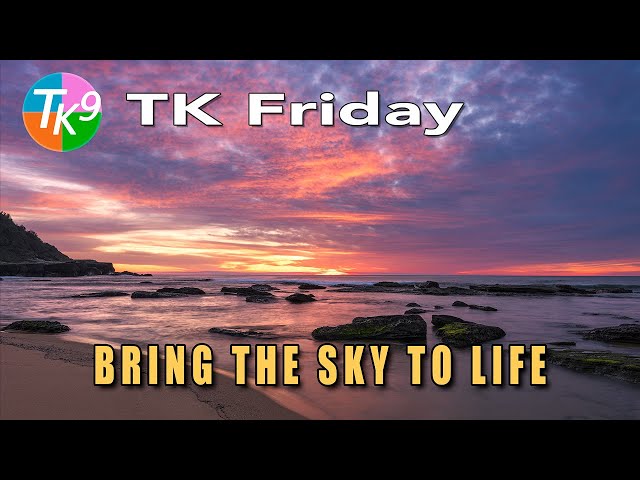
Glow on the Horizon - Full TK9 Seascape Edit in Photoshop
Automatically move to the next video in the Classroom when playback concludes
- 1 00:00 Intro
- 2 00:24 Today's Image is by Tony Nicolaci
- 3 00:37 Do you have an image you would like me to edit?
- 4 00:50 TK Web Store and Grayscale Launch Sale Info
- 5 02:00 Lightroom Classic Editing Info
- 6 02:57 Balance and Contrast adjustment
- 7 06:00 MidTone Contrast
- 8 08:03 Color Balance Highlights
- 9 10:04 Color Balance Shadows
- 10 11:27 Lighten and Color Grade highlights in the water
- 11 14:08 Burn Shadows in the water
- 12 15:19 Add detail to the foreground rocks
- 13 17:03 Increase the saturation of the moss on the rocks
- 14 18:23 Darken Darks 3 shadows in the foreground
- 15 19:24 Vignette
- 16 20:10 Reduce brightness on the shoreline reflection
- 17 21:53 Lighten Sun area near the horizon and slightly reduce the saturation in that area
- 18 23:20 Outro

