Completed
Lightroom Classic Edit Info
Class Central Classrooms beta
YouTube videos curated by Class Central.
Classroom Contents
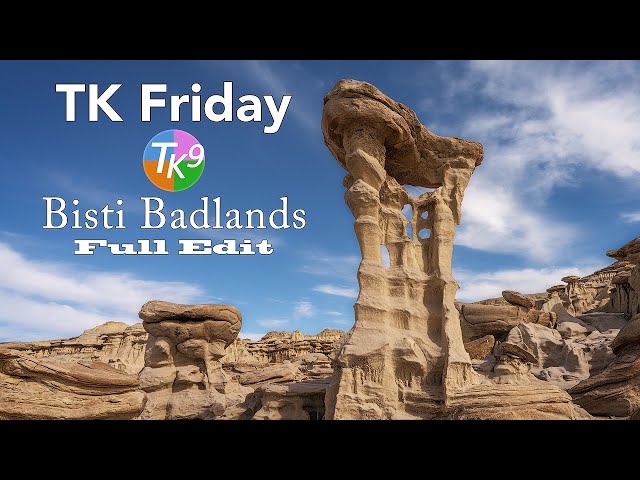
Landscape Photo Editing Tutorial - Bisti Badlands in Adobe Lightroom Classic
Automatically move to the next video in the Classroom when playback concludes
- 1 Lightroom Classic Edit Info
- 2 Step 1. Balance and Contrast Adjustments
- 3 Step 2. Mid Tone Contrast
- 4 Step 3. Lighten Mid Tones.
- 5 Step 4. Darken FG Shadows
- 6 Step 5. Darken FG Medium Shadows
- 7 Step 6. Lighten FG Light Tones
- 8 Step 7. Darken a Specific FG Area
- 9 Step 8. Soften the Sky
- 10 Step 9. Add Detail to FG
- 11 Step 10. Basic Vignette

