Completed
16:44 Add a Vignette
Class Central Classrooms beta
YouTube videos curated by Class Central.
Classroom Contents
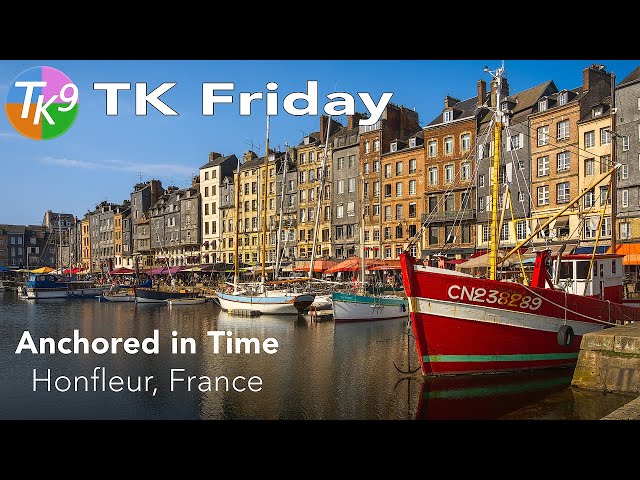
Anchored in Time - A TK9 Full Edit in Photoshop
Automatically move to the next video in the Classroom when playback concludes
- 1 00:00 Intro
- 2 00:20 Today's image is by Steve Dell
- 3 00:31 Download Today's image and PDF Notes
- 4 00:48 TK Web Store and Promo Code Info
- 5 01:55 Do you have an image you'd like me to Edit on a TK Friday?
- 6 02:10 Lightroom Classic Editing Info
- 7 02:57 Launching Photoshop
- 8 03:13 Sky and Foreground Balance and Contrast Adjustments
- 9 06:49 Add Midtone Contrast to the boats and buildings
- 10 09:57 Reduce the brightness of the lightest highlights
- 11 11:41 Darken area to the right of the big red boat
- 12 13:19 Close off the bottom of the image
- 13 14:49 Close off the sky
- 14 16:44 Add a Vignette
- 15 17:58 Soft Pop in the foreground Midtones
- 16 19:27 Slightly darken buildings with a freehand Multiply Brush
- 17 20:41 Slightly increase the overall exposure
- 18 21:39 Outro

