
Completed
00:00 Intro
Class Central Classrooms beta
YouTube videos curated by Class Central.
Classroom Contents
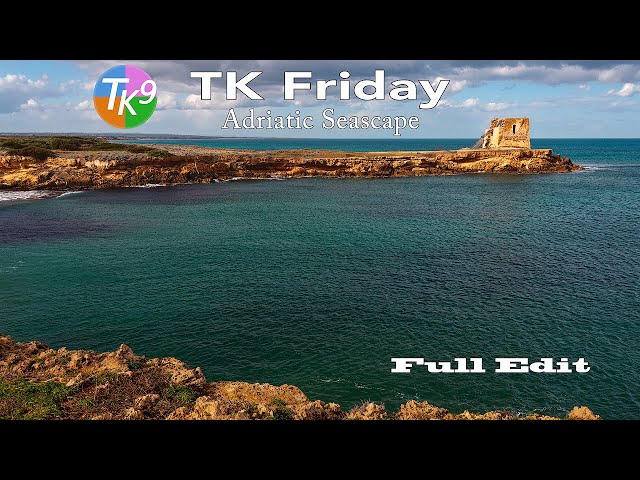
TK9 Photoshop Plugin - Adriatic Seascape Full Edit Tutorial
Automatically move to the next video in the Classroom when playback concludes
- 1 00:00 Intro
- 2 00:19 Today's Image is by Carlo Freddi
- 3 00:26 Download the image and PDF Notes
- 4 00:37 Do you have an image you would like me to edit on a TK Friday?
- 5 00:51 TK Web Store Information
- 6 01:38 Lightroom Classic editing information
- 7 03:50 Where can I find the Photoshop "Example Actions"?
- 8 04:38 Sky and Foreground Balance and Contrast adjustments
- 9 06:52 Darken lower foreground
- 10 09:10 Foreground Mid Tone contrast
- 11 11:09 Burn the lightest highlights in the lower foreground
- 12 12:42 Dodge highlights in the building and the land around it
- 13 15:01 Darken shadows in the building to bring out texture
- 14 16:38 Tone down light areas in the water with a Multiply Brush
- 15 17:53 Slightly increase the overall image contrast
- 16 18:23 Selective Color adjustment
- 17 19:58 Vignette
- 18 20:44 Overall Before and After
- 19 21:05 Outro

