Completed
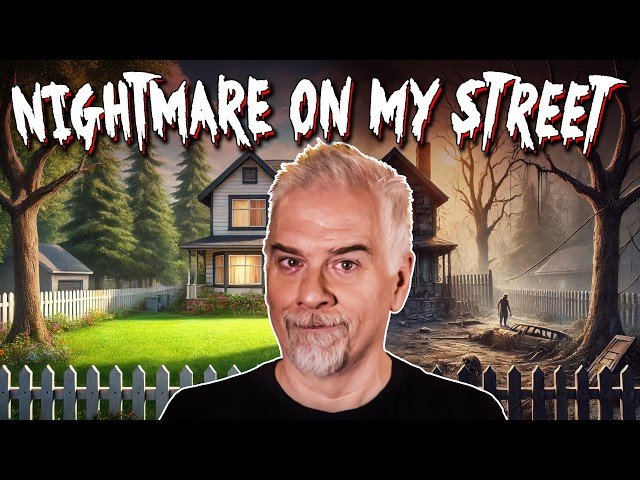
Experience the Final Terrifying Video
Class Central Classrooms beta
YouTube videos curated by Class Central.
Classroom Contents
Creating Spooky Halloween Animations in Photoshop - Tutorial
Automatically move to the next video in the Classroom when playback concludes
- 1 Make an Everyday Average Image Very, Very Spooky
- 2 The First Step Is to Bring up the Timeline Panel
- 3 Convert a Daytime Scene to the Dark of Night
- 4 Add a Blood-Red Night with Gradient Map
- 5 Light Up the Windows, Adding a Moon
- 6 Animate Between the First Pair of Frames
- 7 Light Up the Attic Lights
- 8 Add Some “lights-Out” Darkness
- 9 Correct a Sequence of Tweened Frames
- 10 Add a Mysterious, Foreboding Figure
- 11 Render Your Animation as a Video
- 12 Experience the Final Terrifying Video

