Completed
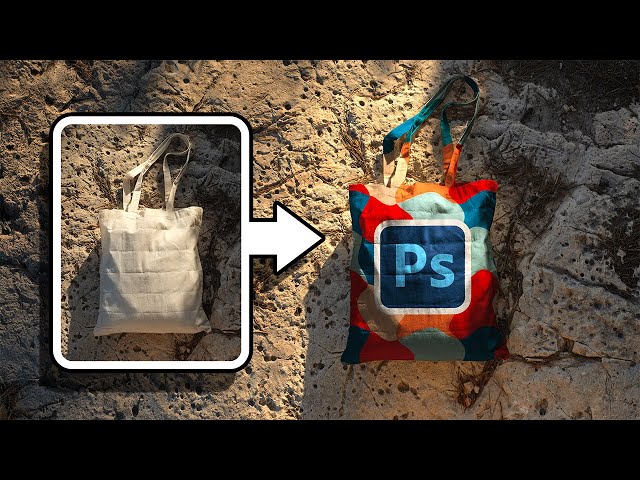
00:00 Introduction
Class Central Classrooms beta
YouTube videos curated by Class Central.
Classroom Contents
Creating Realistic Design Mockups in Photoshop - Advanced Blending and Displacement Techniques
Automatically move to the next video in the Classroom when playback concludes
- 1 00:00 Introduction
- 2 00:45 Prepare the Base
- 3 02:41 Place the Design
- 4 04:08 Blend the Design with Multiply
- 5 05:00 Use Displacement Map
- 6 07:15 Add a Slight Blur
- 7 09:02 Add Highlights with Screen
- 8 11:49 Fine-Tune Separate Elements
- 9 14:13 Boost the Brightness and Contrast
- 10 15:13 Mind the Saturation
- 11 17:32 Keep it Non-Destructive
- 12 18:12 Quick Recap

