Completed
00:00 - Introduction
Class Central Classrooms beta
YouTube videos curated by Class Central.
Classroom Contents
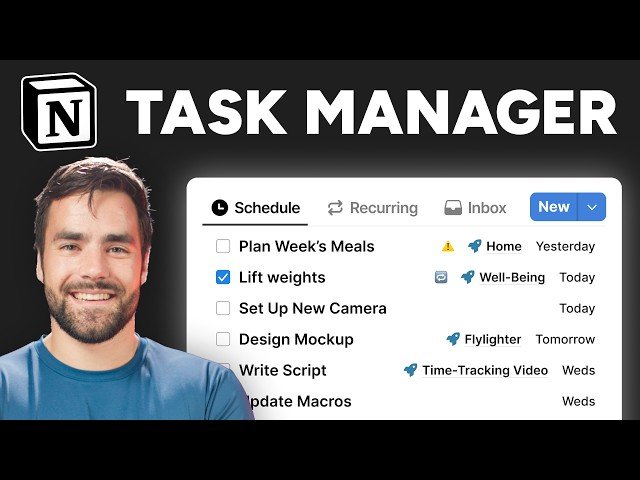
Building a Complete Task and Project Manager in Notion - Full Tutorial
Automatically move to the next video in the Classroom when playback concludes
- 1 00:00 - Introduction
- 2 00:31 - Build Start
- 3 01:56 - Create the Databases Page
- 4 03:23 - Create the Databases
- 5 05:02 - Set the Database Icons
- 6 05:44 - Create the Task Properties
- 7 12:23 - Relation Properties Explained
- 8 15:37 - Design Tasks Page Layout
- 9 20:14 - Customize the Tasks Source Database
- 10 24:51 - Adding Notion Calendar Support
- 11 25:41 - Create the Task Manager Views
- 12 26:37 - Create the Task Inbox
- 13 32:13 - Create the Schedule Views
- 14 37:09 - Create the No Due, By Project, All, and Done Views
- 15 42:17 - Build out the Projects Database
- 16 45:39 - Customize the Project Page Layout
- 17 46:42 - Create the Project Manager Views
- 18 53:27 - Create the Project Template
- 19 55:00 - Adding a Self-Referential Filter
- 20 58:04 - Applying a Template to a Page with Existing Content
- 21 58:32 - Set the Project Template as a Default
- 22 59:17 - Build the Task Journal View
- 23 01:01:05 - Create a Task Journal Template
- 24 01:03:42 - Add Recurring Tasks
- 25 01:04:23 - Create the Recurring Task Properties
- 26 01:05:47 - Build the Next Due Formula
- 27 01:07:46 - Automating Recurring Tasks
- 28 01:10:28 - Create a Recurring Tasks View
- 29 01:11:28 - Set Up Sub-Tasks
- 30 01:13:17 - Customize the Sub-Task and Parent Task Properties
- 31 01:15:02 - Customizing Shown Properties in a Relation
- 32 01:15:41 - Potential Pitfalls with Sub-Tasks
- 33 01:17:11 - Changing the Sub-Tasks Display Type
- 34 01:19:03 - Build the Progress Bar Formula
- 35 01:23:54 - Build the Meta Labels Formula
- 36 01:28:06 - Create the Buttons
- 37 01:30:10 - Clean Up and Lock the Databases
- 38 01:31:34 - Going Further – Daily Planning and Time Tracking

