Completed
00:00 Holding Loop
Class Central Classrooms beta
YouTube videos curated by Class Central.
Classroom Contents
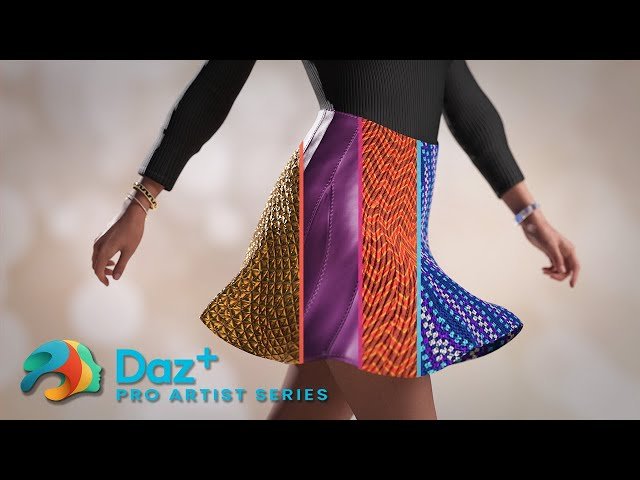
Creating Custom PBR Materials with Substance Painter and Daz Studio
Automatically move to the next video in the Classroom when playback concludes
- 1 00:00 Holding Loop
- 2 17:50 Titles and Welcome
- 3 22:30 What Substance Painter can do
- 4 26:00 Substance Suite Overview
- 5 36:00 Exporting for Substance Painter from Daz Studio
- 6 46:10 Importing into Substance Painter
- 7 55:50 Adding materials to our object
- 8 1:01:20 Adding Dirt and Edge Wear Generators
- 9 1:08:20 Exporting textures for use in Daz Studio
- 10 1:18:00 Saving as a Shader and Material Preset
- 11 1:26:10 Creating a new Material Zone in Daz Studio
- 12 1:38:00 Masking UV zones in Substance Painter
- 13 1:52:00 Adding Stitches with Substance Painter
- 14 2:03:10 Layer and Channel Blending Options
- 15 2:10:00 Checking out the Substance Assistant Script
- 16 2:38:20 Audience Questions
- 17 2:48:00 Goodbye

