Completed
10:02 Behind the Scenes: Generation Stages & Output File Management
Class Central Classrooms beta
YouTube videos curated by Class Central.
Classroom Contents
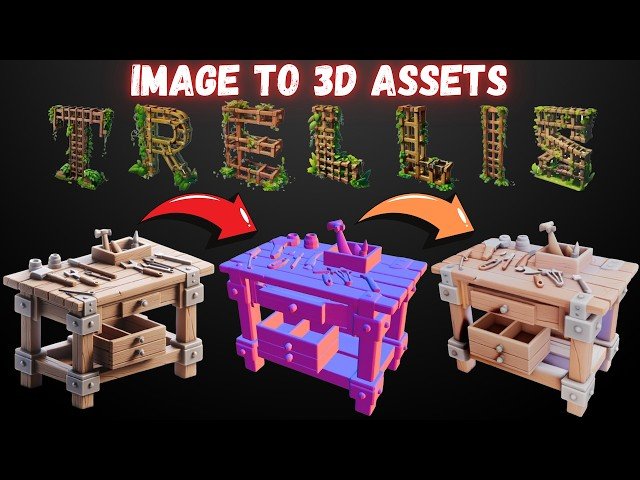
Step by Step TRELLIS Tutorial - Generate High-Quality 3D Assets from Static Images Locally
Automatically move to the next video in the Classroom when playback concludes
- 1 0:00 Showcase: Single Image to Stunning 3D Model with Trellis
- 2 0:26 Introducing Trellis: The Ultimate Image-to-3D Generator by Microsoft
- 3 0:59 Trellis Advanced Features: Multi-Angle Input & Custom Gradio App
- 4 1:37 GPU Compatibility & Enhanced Gradio App Functionality
- 5 2:00 Gradio App Deep Dive: Generations, Presets, Video & Mesh Control
- 6 2:48 Batch Processing, Metadata, & One-Click Installer with Flash Attention
- 7 3:17 VRAM Modes High/Low & Project Acknowledgements
- 8 3:42 One-Click Installer: Development Effort & Library Compilation
- 9 4:20 How to Get Trellis: Download & Pre-Installation Steps
- 10 4:45 Installation Guide: Folder Setup & Running the .bat File
- 11 5:23 Automated Installation Process: Libraries, App & Model Downloads
- 12 5:54 Installation Complete: Model Download & Folder Size 13.5GB
- 13 6:56 Running Trellis: Launch Options for Different GPUs & VRAM
- 14 7:22 First Launch: App Initialization & GPU Monitoring nvitop
- 15 8:08 Using Trellis: Uploading Image & Auto Background Removal
- 16 8:34 Core Generation Settings: Seed, Steps, Guidance, Mesh Detail
- 17 9:17 Example 1 Car Image: Generation & Output Analysis
- 18 9:42 Optimizing Output: Better Image & Higher Texture Resolution
- 19 10:02 Behind the Scenes: Generation Stages & Output File Management
- 20 10:34 Showcase: High-Detail Model from Optimized Settings Lion
- 21 11:35 Enhancing Quality with Multi-Angle Image Input
- 22 11:53 Local Performance Check & Cloud Deployment RunPod, MassedCompute
- 23 12:46 Result: Multi-Angle Input Generation & Final Remarks
- 24 13:07 How to Get Trellis & Support Information

