Completed
0:00 - Introduction
Class Central Classrooms beta
YouTube videos curated by Class Central.
Classroom Contents
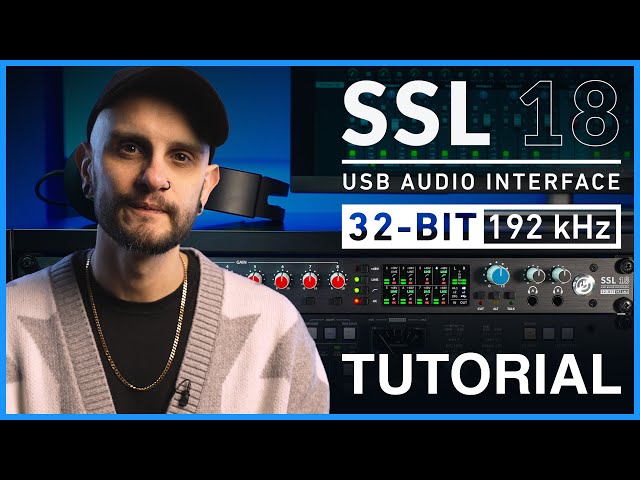
SSL 18 USB Audio Interface Setup and Features Tutorial
Automatically move to the next video in the Classroom when playback concludes
- 1 0:00 - Introduction
- 2 2:20 - Registering & Downloads
- 3 3:49 - Using the SSL 18 with a Mac
- 4 4:26 - Using the SSL 18 with Windows
- 5 5:26 - Firmware & Driver Updates
- 6 6:44 - Hardware Overview
- 7 10:20 - Rear Connections
- 8 14:10 - SSL 18 Mixer
- 9 16:04 - Aux Sends
- 10 16:42 - Line 3-4
- 11 17:47 - Insert
- 12 18:09 - MON Button Near Zero-Latency Monitoring via SSL 18 Mixer
- 13 18:37 - Mirror Outs
- 14 20:08- Talkback
- 15 22:30 - Digital Inputs
- 16 23:42 - Playback Returns
- 17 26:27 - Aux Masters
- 18 28:06 - Master Outs
- 19 28:31- Monitoring
- 20 29:42 - Settings Menu
- 21 33:33 - I/O Mode
- 22 34:12 - Save & Loads Profiles
- 23 34:55- User Buttons
- 24 35:29 - Control
- 25 36:02 - Loopback Source
- 26 36:22. - 9-10 Input Source
- 27 36:58 - Panel Meters
- 28 37:25 - Contextual Help
- 29 37:39 - DC Coupled Outputs
- 30 38:17 - Find Out More

