Completed
Introduction to Modern SharePoint
Class Central Classrooms beta
YouTube videos curated by Class Central.
Classroom Contents
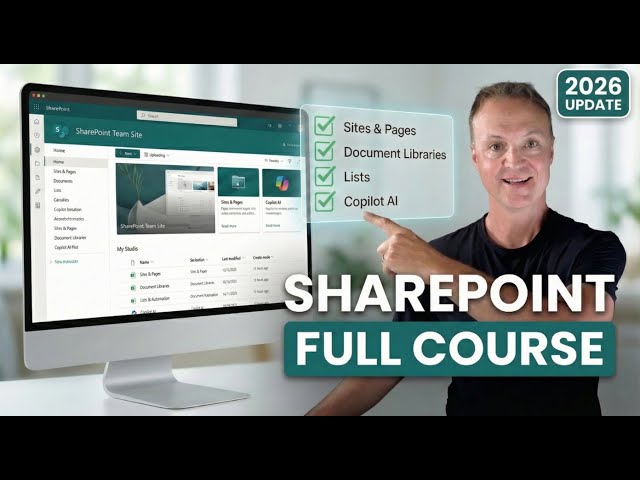
SharePoint 2026 - Full Beginner's Guide to Site Building
Automatically move to the next video in the Classroom when playback concludes
- 1 Introduction to Modern SharePoint
- 2 Accessing Microsoft SharePoint
- 3 Creating a New Communication Site
- 4 Tour of the SharePoint Interface
- 5 Adding new members
- 6 Adjusting site information and look menu, theme, logo, font
- 7 Document Libraries: The "Wrong Way" Folders
- 8 The "Right Way": Using Metadata & Columns
- 9 Version History and restoring from the recycle bin
- 10 Changing views and sorting in Document Library
- 11 Customizing your pages with sections and web parts
- 12 Adding a news post
- 13 Adding a new page
- 14 Edit the menu in SharePoint
- 15 Creating a list in SharePoint
- 16 Why You Need Multiple Document Libraries Media vs Docs
- 17 SharePoint Lists Explained vs Excel
- 18 Using the Agent to find answers
- 19 Setting up site branding in SharePoint
- 20 Setting up a Microsoft Teams from your SharePoint site
- 21 Governance & Conclusion

