Completed
• Sculpting legs and refining the body 16:56: Learn to create simple legs from Q spheres and how to refine the overall body shape.
Class Central Classrooms beta
YouTube videos curated by Class Central.
Classroom Contents
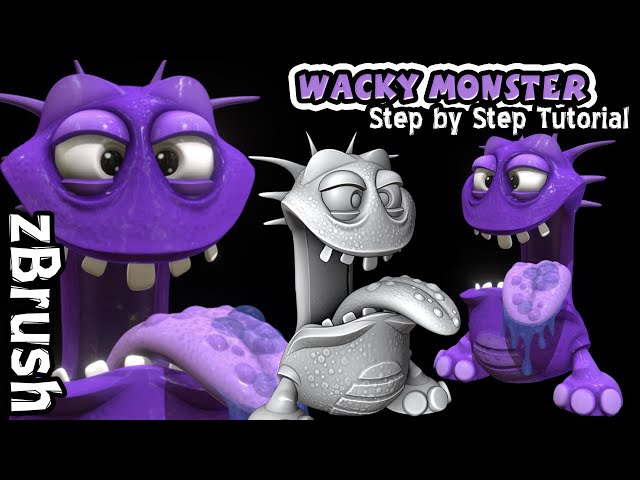
Sculpt a Wacky Little Monster in ZBrush - Beginner Tutorial
Automatically move to the next video in the Classroom when playback concludes
- 1 • Blocking out the character 0:21: The tutorial starts by demonstrating how to use Q spheres to block out the basic shape of the monster's head and mouth, adjusting their size and position.
- 2 • Creating eye sockets and mouth 1:50: Learn how to use the Inflate brush to create eye sockets and duplicate the head shape to form the lower jaw of the mouth.
- 3 • Connecting separate pieces 3:46: The instructor shows how to merge subtools and use the ZModeler's Bridge function to connect the upper and lower parts of the mouth, adding edge loops for more reso…
- 4 • Adding the tongue and teeth 9:53: The video explains how to insert and sculpt a Q sphere into a tongue, bending it into position. It then demonstrates creating teeth using a Q cube and duplicating …
- 5 • Sculpting legs and refining the body 16:56: Learn to create simple legs from Q spheres and how to refine the overall body shape.
- 6 • Adding details and high resolution 19:51: The tutorial progresses to making the model high-resolution by subdividing and creasing borders. It shows how to create eyes and eyelids, and use brushes l…
- 7 • Applying skin textures and finalizing the sculpt 29:01: The video demonstrates how to add skin details using various alphas with the Standard brush and how to sculpt simple knees and toes for the l…

