Completed
9:02 Where you can learn more about the GPU and the machine that is being used for benchmarking
Class Central Classrooms beta
YouTube videos curated by Class Central.
Classroom Contents
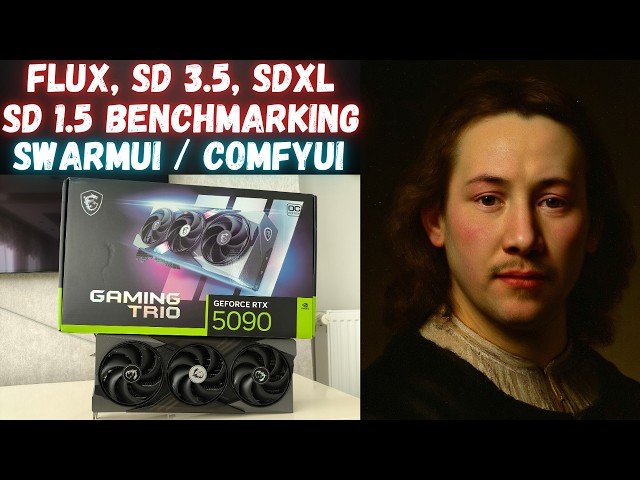
RTX 5090 vs RTX 3090 Ti Performance Comparison for AI Image Generation Models
Automatically move to the next video in the Classroom when playback concludes
- 1 0:00 Introduction to the video and PC configuration and specs
- 2 0:30 Backends of ComfyUI and the GPUs and machine config
- 3 0:40 Testing FLUX DEV model performance on RTX 5090 and RTX 3090 Ti
- 4 0:53 RTX 5090 and RTX 3090 Ti GPU sensor values while generating images on FLUX Dev
- 5 2:10 How to change precision to 8-bit FP8 vs 16-bit on SwarmUI including FP16 T5 XXL
- 6 3:34 Testing FLUX Fill inpainting and outpainting model performance on RTX 5090 and RTX 3090 Ti
- 7 4:56 Testing speed impact of changing prompt when generating new images
- 8 6:23 Testing Stable Diffusion 3.5 Medium SD 3.5 Medium model performance on RTX 5090 and RTX 3090 Ti
- 9 8:27 Testing Stable Diffusion 3.5 Large SD 3.5 Large model performance on RTX 5090 and RTX 3090 Ti
- 10 9:02 Where you can learn more about the GPU and the machine that is being used for benchmarking
- 11 9:42 What kind of Overclocking I am doing on RTX 5090, overlocking levels
- 12 10:12 Testing Stable Diffusion XL SDXL model performance on RTX 5090 and RTX 3090 Ti
- 13 11:41 Testing Stable Diffusion 1.5 SD 1.5 model performance on RTX 5090 and RTX 3090 Ti
- 14 12:54 Comparison table and evaluation of the models and the speeds of RTX 5090 and RTX 3090 Ti
- 15 15:30 How to install SwarmUI and make it working with RTX 5000 series GPUs and how to download AI models ultra fast
- 16 17:01 How to use our unified SwarmUI model downloader to download FLUX, SD 1.5, SDXL, SD 3.5 models and more models
- 17 19:00 How to upgrade Torch / ComfyUI backend to make it work on RTX 5000 series GPUs
- 18 19:58 Which folder will be deleted and replaced with pre-made backend

