Completed
0:05 Introduction: Return to Service App Part 2 and Lounge Invitation
Class Central Classrooms beta
YouTube videos curated by Class Central.
Classroom Contents
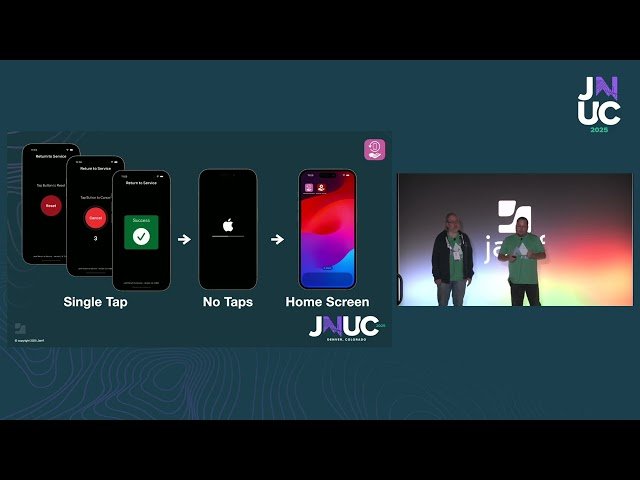
Return to Service App - Reset iOS Devices in One Tap with App Preservation
Automatically move to the next video in the Classroom when playback concludes
- 1 0:05 Introduction: Return to Service App Part 2 and Lounge Invitation
- 2 3:02 Why Use Return to Service? Eliminating Setup Assistant and Saving Time
- 3 6:25 User Experience and Technical Overview: Single-Tap Reset with Wi-Fi Auto-Config
- 4 12:24 New Features: 1 Million Uses, In-App Passcode, Cellular/Ethernet Support
- 5 15:44 App Preservation: 6-Minute Device Refresh with Snapshot Technology
- 6 21:23 tvOS and visionOS Support: Hospitality, Trade Shows, and Spatial Computing
- 7 26:54 In-App Troubleshooting, Logging, and Resources 15-Minute Setup
- 8 30:28 What's Next: macOS Support and Submitting Feature Requests
- 9 35:08 Q&A Session

